About VExZE Shaders
VExZE shader is the result of collaboration between Hyrazero (Zebra Shader Creator) and KK3310 (Vert Shader Creator) by combining the coloring and lighting of Vert and Zebra to make it look beautiful but still light for Low-End devices.
Features
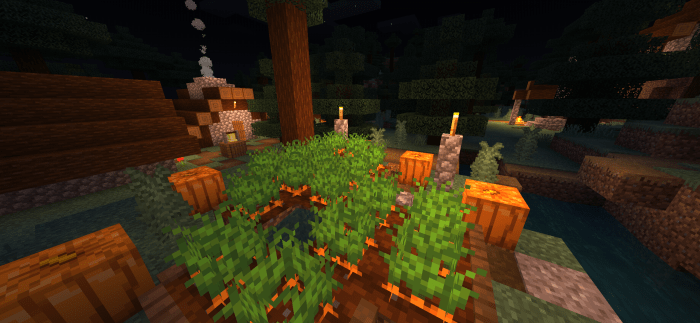
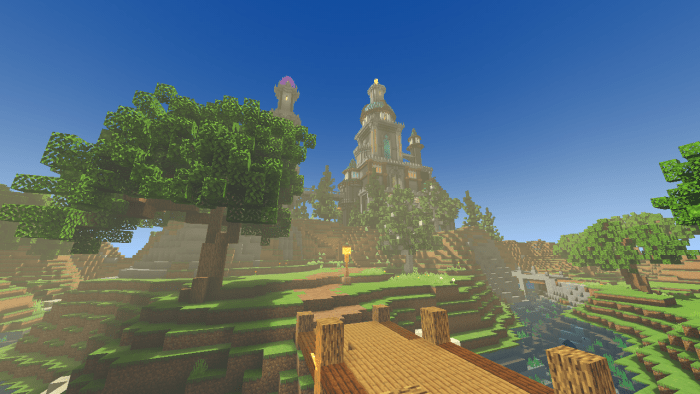
Realistic Coloring & Tonemap Foggie Waving Plants Beautiful sky Creator : Hyrazer0 KK3310
VExZE Shaders screenshots
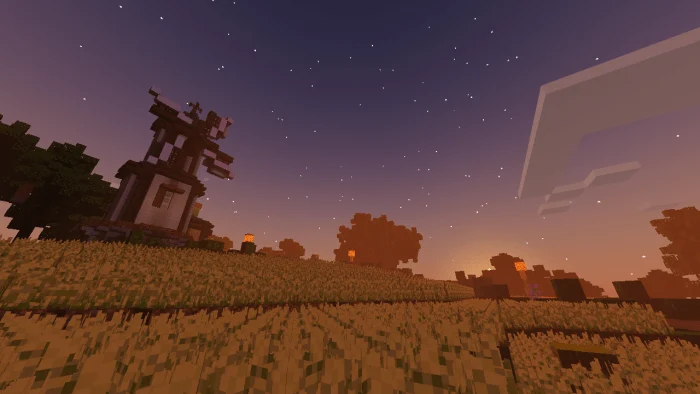
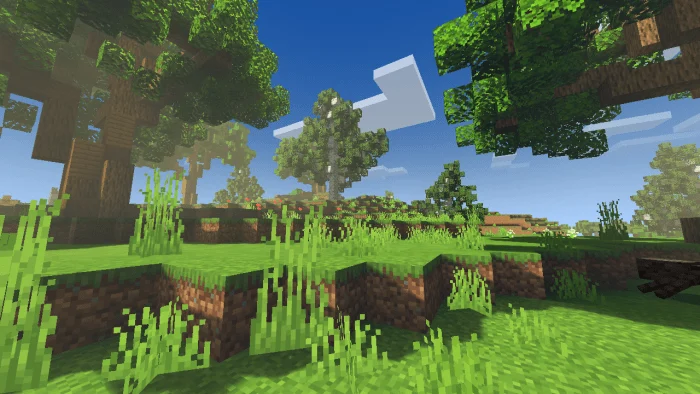
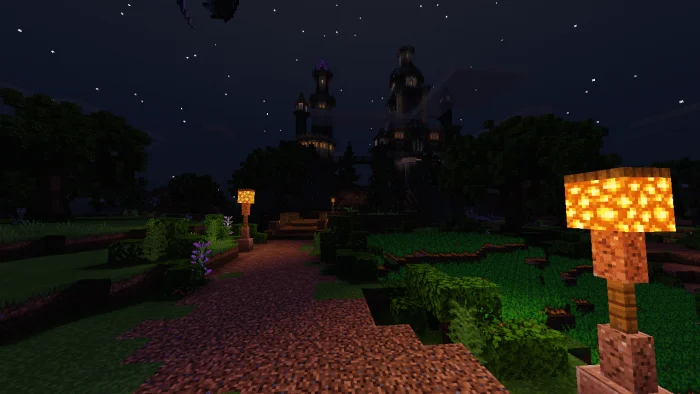
How to install VExZE Shaders
- Download the .mcpack file using the button on this page.
- Open the downloaded file with Minecraft Bedrock Edition.
- Wait for Minecraft to confirm that the import has completed.
- Activate the imported pack in the world settings.
- Back up important worlds before installing community content.
Download VExZE Shaders (1.14, 1.16) Top for free
Preparing your download…
If the download did not start automatically, click here.