About Vanilla PBR
- Android (GLES 3 devices running Android OS 9 and above)
- Before creating a world, head to Experimental Options in the world creation menu
Enable "Render Dragon Features for Creators" experimental option
- Activate Vanilla PBR in your world or global resource packs
- Join any world, check your video settings, scroll down and look for "Graphics Mode"
- Set Graphics Mode to "Deferred Technical Preview" from the menu and go back to your world, have fun!
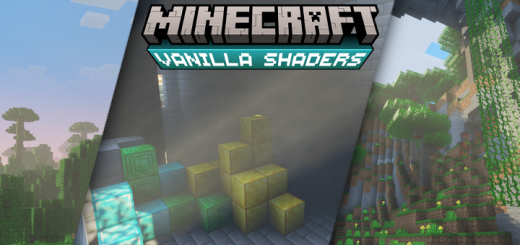
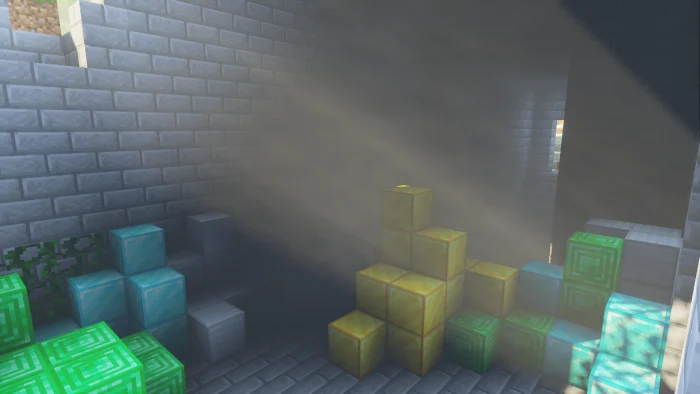
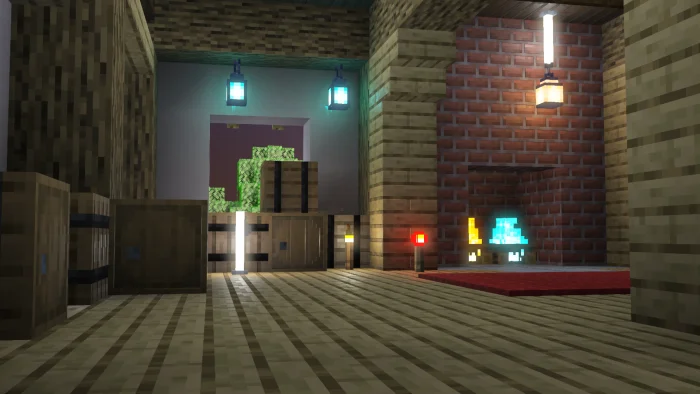
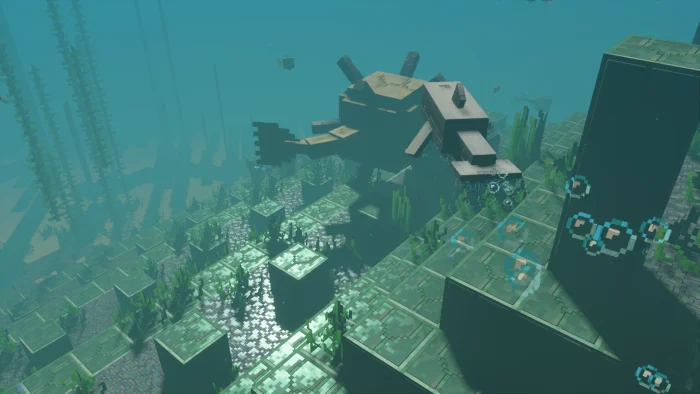
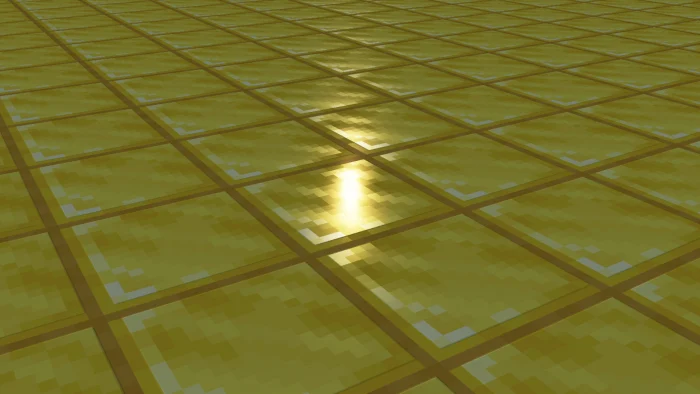
Vanilla PBR is a resource pack that enables Minecraft players to take full advantage of the new Deferred Lighting Rendering Pipeline Graphics and features in Minecraft
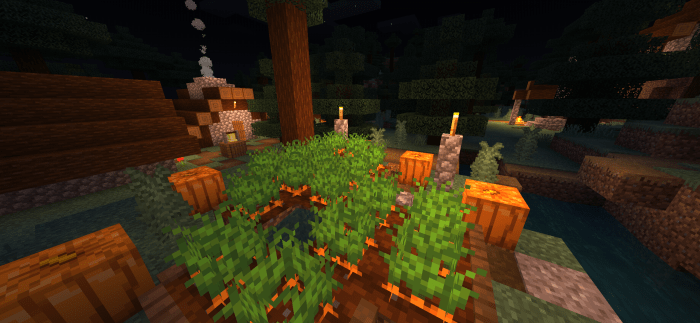
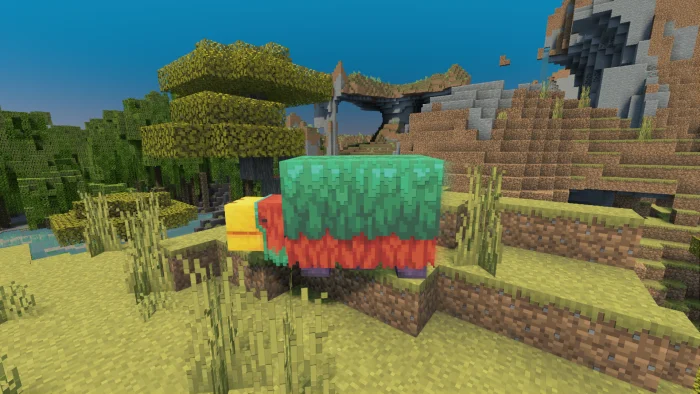
Vanilla PBR screenshots
How to install Vanilla PBR
- Download the .mcpack file using the button on this page.
- Open the downloaded file with Minecraft Bedrock Edition.
- Wait for Minecraft to confirm that the import has completed.
- Activate the imported pack in the world settings.
- Back up important worlds before installing community content.
Creator: XubeIR
Download Vanilla PBR (1.20) Top for free
Preparing your download…
If the download did not start automatically, click here.