About Shader Rishkan
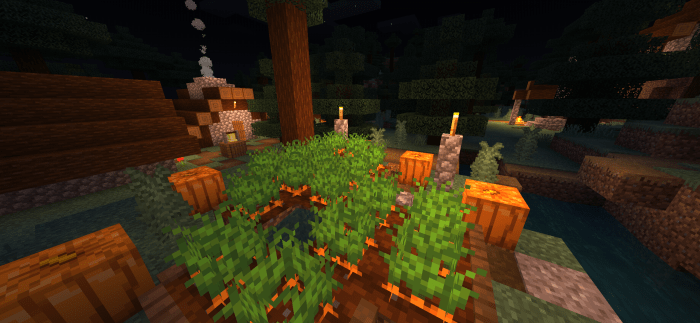
Hello, are you looking for a beautiful and wonderful shading that does not affect the performance and is realistic and makes your world brighter and has a lot of features and does not affect the performance of the phone and this is certainly the most important Well, welcome to the right place – Rishakan shading
Shader information
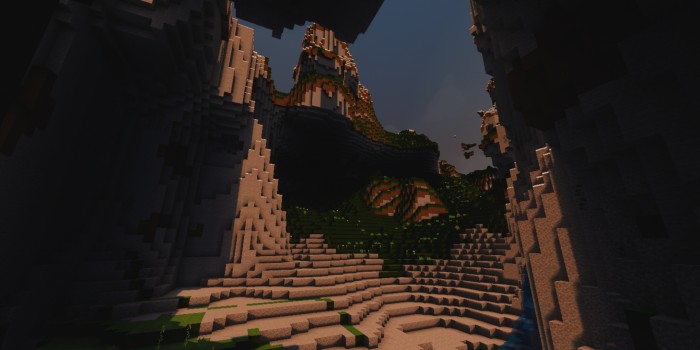
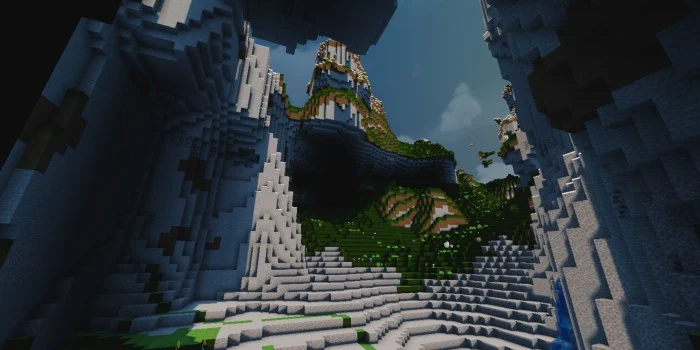
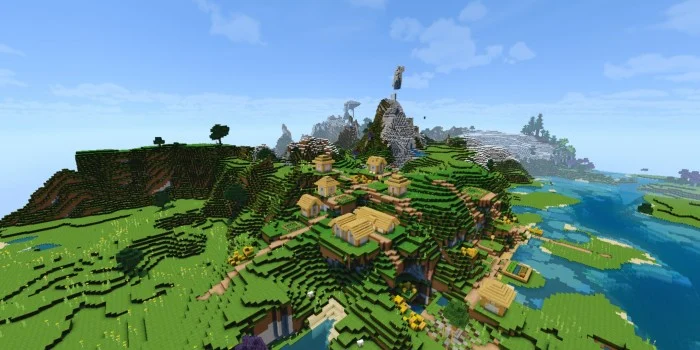
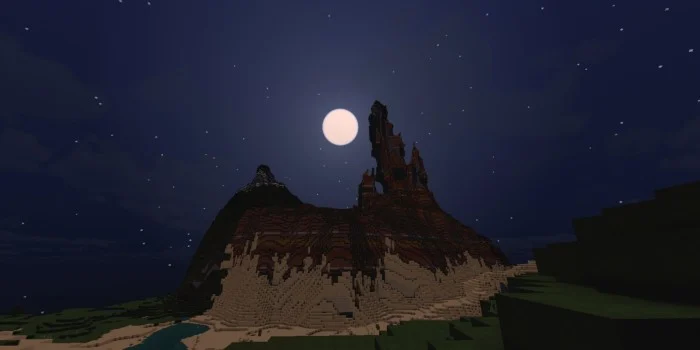
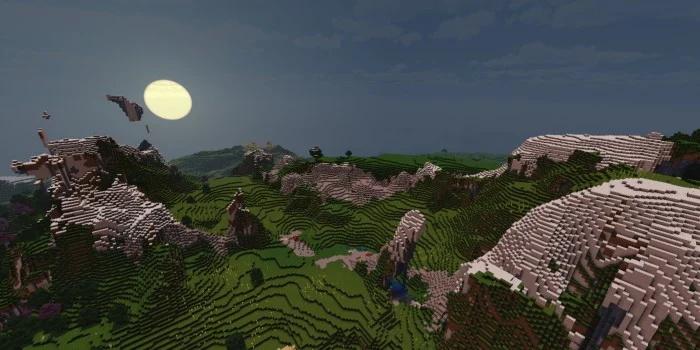
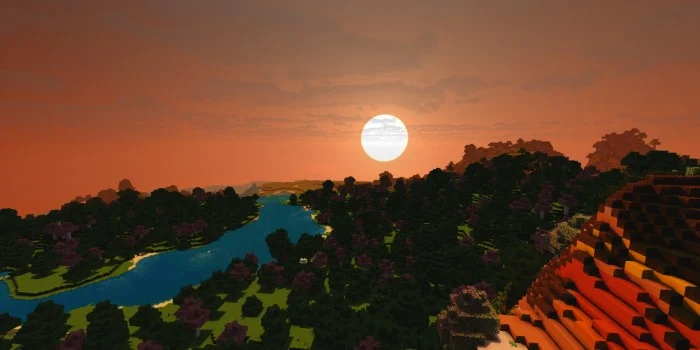
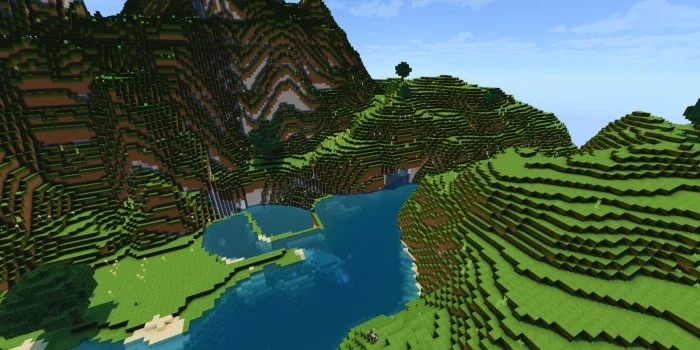
move trees move the grass beautiful water beautiful sky beautiful clouds Real sun and moon Beautiful and attractive lighting realistic grass
Shader Rishkan screenshots
How to install Shader Rishkan
- Download the .mcpack file using the button on this page.
- Open the downloaded file with Minecraft Bedrock Edition.
- Wait for Minecraft to confirm that the import has completed.
- Activate the imported pack in the world settings.
- Back up important worlds before installing community content.
Download Shader Rishkan (1.16, 1.17) Low-End Devices for free
Preparing your download…
If the download did not start automatically, click here.