About Red Dragon Optimizer
Created By Kylorix
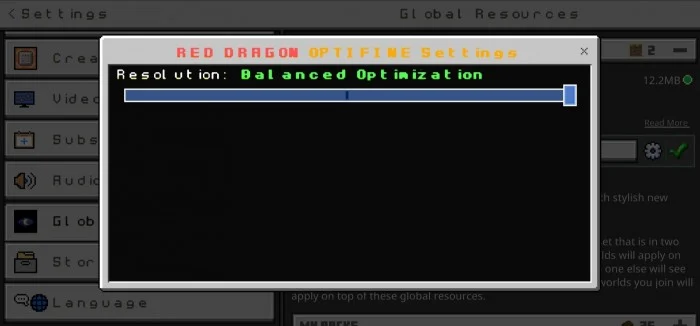
Optimizer for Render Dragon to improve game performance and boosts fps while playing. This OptiFine or optimizer adjusts, optimizes, changes and removes unnecessary things inside Minecraft to boost your fps. This pack will help you to increase your fps and this optimizer can reduce your lags in game due to available options.
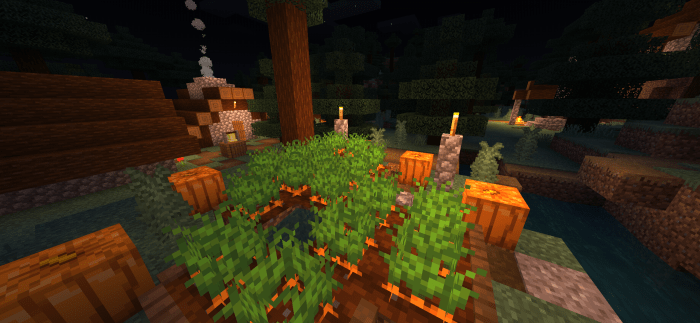
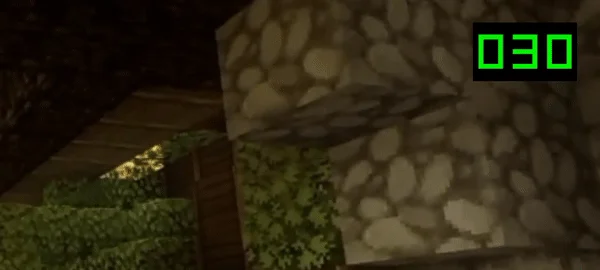
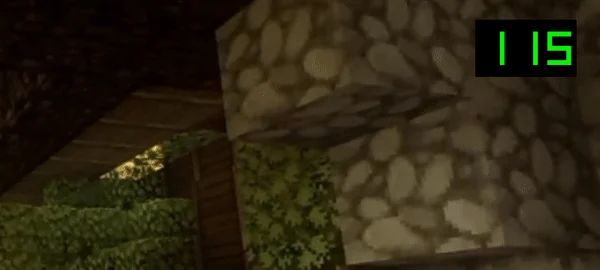
Red Dragon Optimizer screenshots
How to install Red Dragon Optimizer
- Download the .mcpack file using the button on this page.
- Open the downloaded file with Minecraft Bedrock Edition.
- Wait for Minecraft to confirm that the import has completed.
- Activate the imported pack in the world settings.
- Back up important worlds before installing community content.
Download Red Dragon Optimizer (1.17, 1.18, 1.19) Shaders for free
Preparing your download…
If the download did not start automatically, click here.