About Craddy Shader | RenderDragon
Created By CraddyThrone
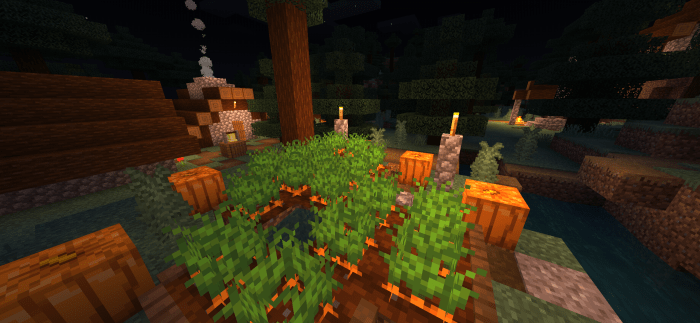
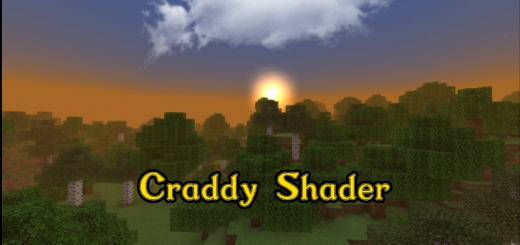
Craddy Shader – these are shaders for weak devices and for new versions with a renderdragon. Shaders change different things in the game. They change the fog, some textures and more! You can read the entire list below and see the photos. Shaders work on IOS, Android, Windows 10.
Shader functions
Atmospheric fog in all biomes The rustle of all foliage The rustle of all plants (except for all types of corus). Dynamic lighting New cloud texture New sun and moon texture Improved nether block textures Improved textures in the ender world Atmospheric fog in the ender world Recommendations in the kit description (read them all). Improved sky in the ender world Beautiful sunset Improved Particles Improved water
Craddy Shader | RenderDragon screenshots


How to install Craddy Shader | RenderDragon
- Download the .mcaddon file using the button on this page.
- Open the downloaded file with Minecraft Bedrock Edition.
- Wait for Minecraft to confirm that the import has completed.
- Activate the imported pack in the world settings.
- Back up important worlds before installing community content.
Download Craddy Shader | RenderDragon (1.18, 1.19) Low-End Devices for free