
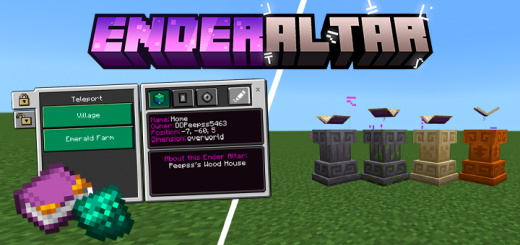
About Enderaltar
Created By Peepss
- enable experiments in map settings
Teleport magic is a very present thing in Minecraft and now it has been expanded with this add-on. Create Ender Altars to teleport between points marked on the map, teleport without limits!
Ender Altars Types
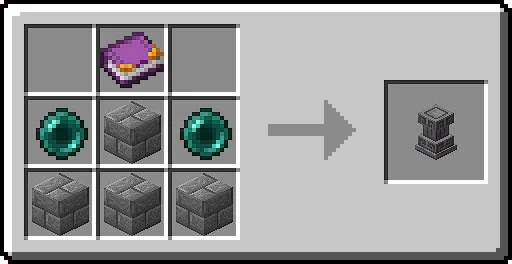
There are 4 types of Ender Altars possible to create with this add-on so far, there is no difference between all these types, the only difference between them is the appearance, all the 4 types of Ender Altars are: Normal Ender Altar, Mossy Ender Altar, Sandstone Ender Altar and Red Sandstone Ender Altar.
Items
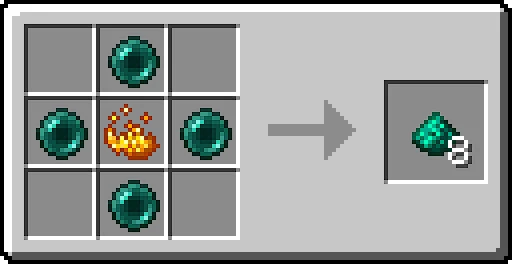
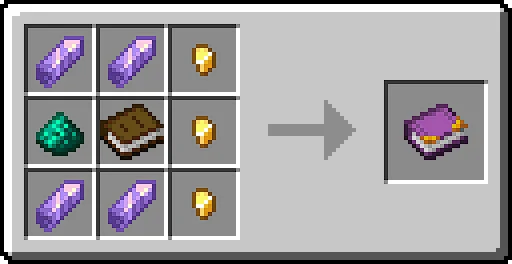
All items present in the add-on have a purpose or will have a purpose, so far there are only two, which are the Ender Pearl Dust and Ender Book, both used for craftings.
Teleport
But, how to the Ender Altar works? Simple, when you place a Ender Altar, it will show an interface asking for you to put a name, a description and define if it's a global Ender Altar or a Private Ender Altar, then, you've set your Ender Altar.
Now you can acess the Ender Altar UI and teleport to other set Ender Altars on the map and between dimensions, which costs 3 xp levels!
Enderaltar screenshots
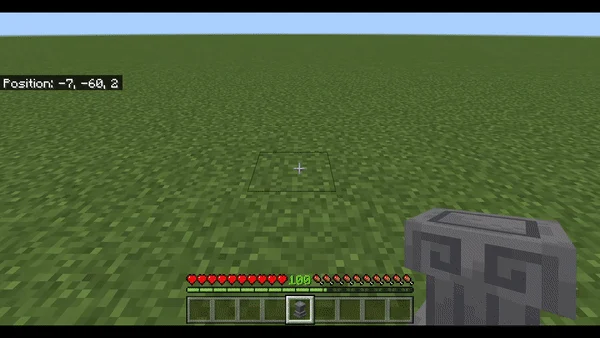
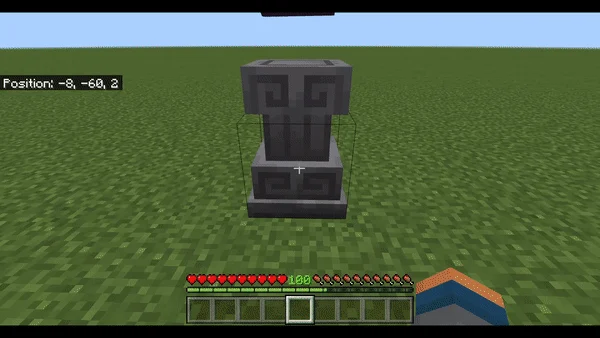
How to install Enderaltar
- Download the .mcaddon file using the button on this page.
- Open the downloaded file with Minecraft Bedrock Edition.
- Wait for Minecraft to confirm that the import has completed.
- Activate the imported pack in the world settings.
- Back up important worlds before installing community content.
Download Enderaltar (1.19) Magic for free


