
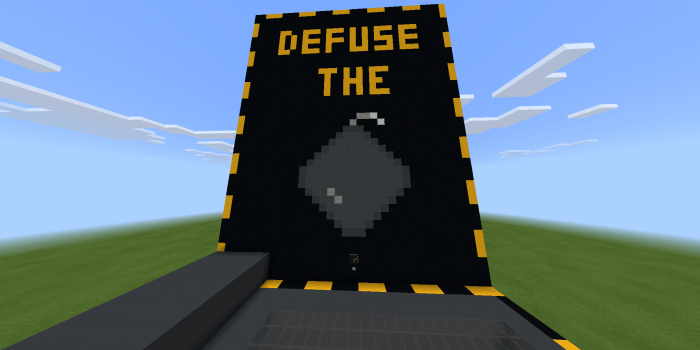
About Defuse The Bomb
To start playing you have to press the button. Pressing the pump will instantly create it with a total of 6 modules, a 3-minute stopwatch and three possible variants for each module
You’ll teleport here, you’ll receive jump and speed to move better. The stopwatch will start to go down and you’ll have to start disabling the modules.
If you turn the module off correctly the LED will turn green, on the contrary, if it fails it will turn red.
How to disable modules correctly? Like the original assembly, the map has manual with instructions for each part of the pump. You can play alone, but for a better experience it is recommended that you or a friend defuse the bomb within the game, and the other person gives the orders (without being able to see the bomb)
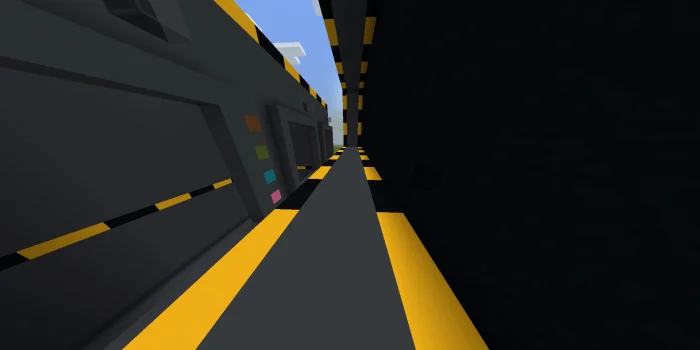
Defuse The Bomb screenshots
How to install Defuse The Bomb
- Download the .mcworld file using the button on this page.
- Open the downloaded file with Minecraft Bedrock Edition.
- Wait for Minecraft to confirm that the import has completed.
- Select the imported world from the Minecraft world list.
- Back up important worlds before installing community content.
Download Defuse The Bomb (1.14, 1.16) Minigame for free


