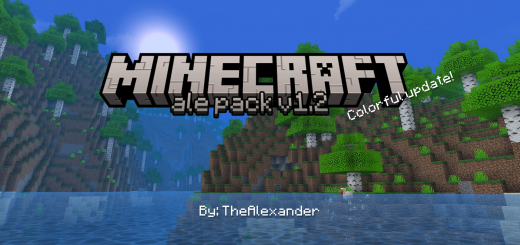
About Ale Pack
Created By TheAlexander
This package is compatible with all devices where Minecraft bedrock edition works and the best thing is that it does not present any type of lag
Features
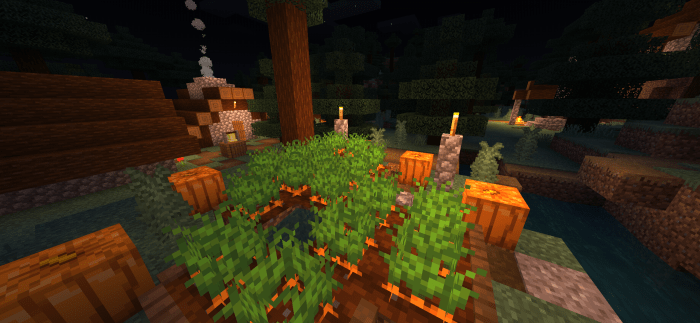
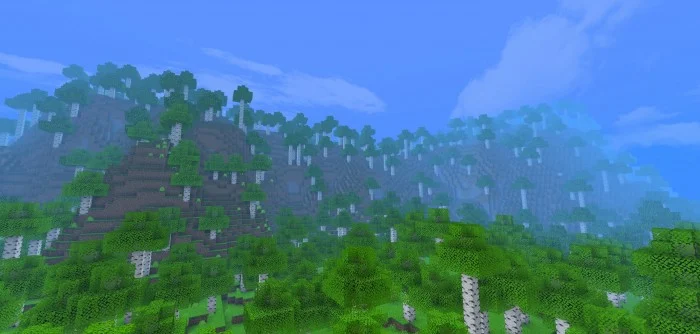
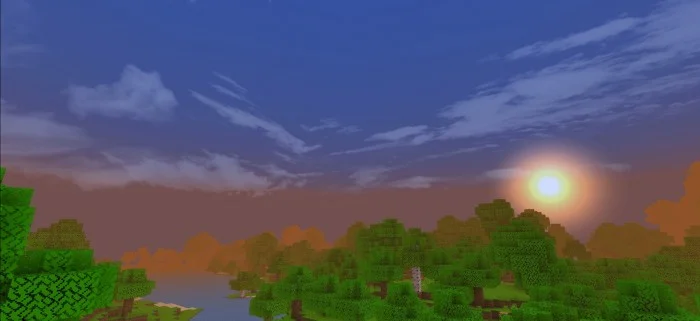
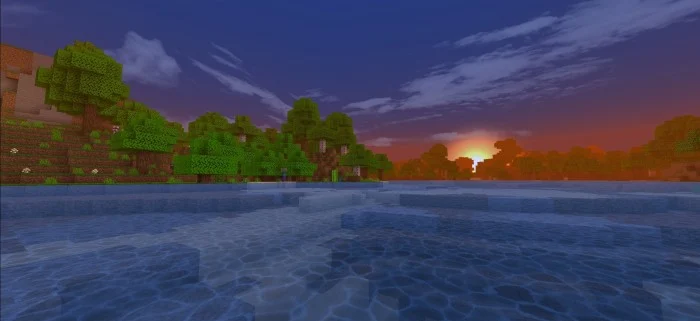
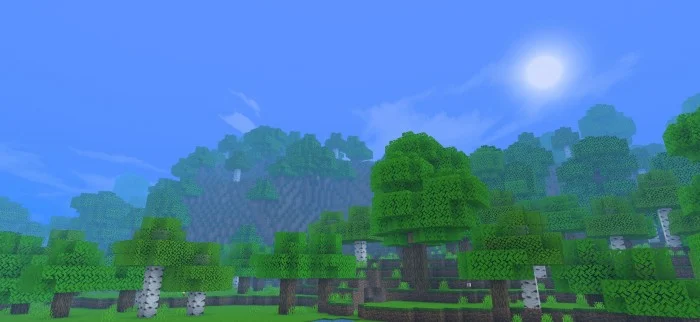
Plants are more colorful and beautiful. Improved sky with more realistic clouds, sun and moon. Textured water. Added color of the sky as day and night. Fog that matches the sky. New Particles like in the rain. Rain with intense fog. It does not have any type of delay. Based on the Ale shader. Compatible with all devices
Ale Pack screenshots
How to install Ale Pack
- Download the .mcpack file using the button on this page.
- Open the downloaded file with Minecraft Bedrock Edition.
- Wait for Minecraft to confirm that the import has completed.
- Activate the imported pack in the world settings.
- Back up important worlds before installing community content.
Download Ale Pack (1.18, 1.19) Biome for free
Preparing your download…
If the download did not start automatically, click here.