About AziFy Revive
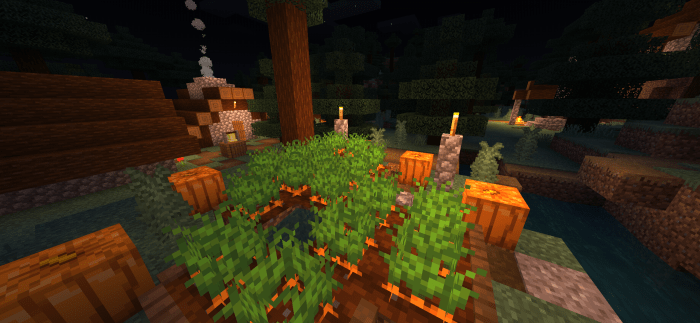
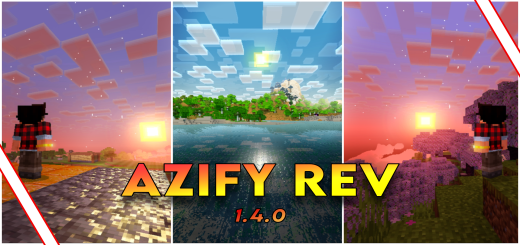
Azify v1.4.0 – the upgrade that makes Minecraft look even cooler! It's like taking your game to a whole new level with awesome visuals and cool details. This new version is like a magic trick for your game, turning it into a super fun adventure. Picture exploring exciting places with lots of cool details that make Minecraft feel even more magical.
AziFy Revive screenshots
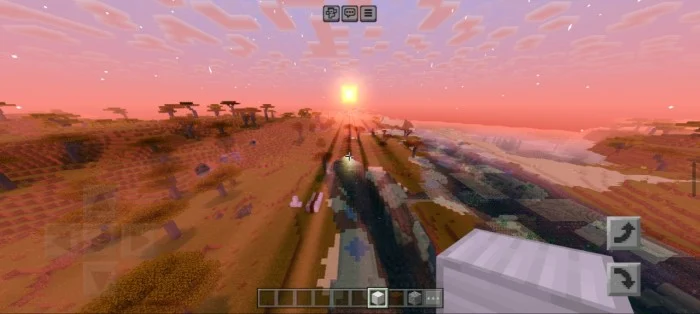
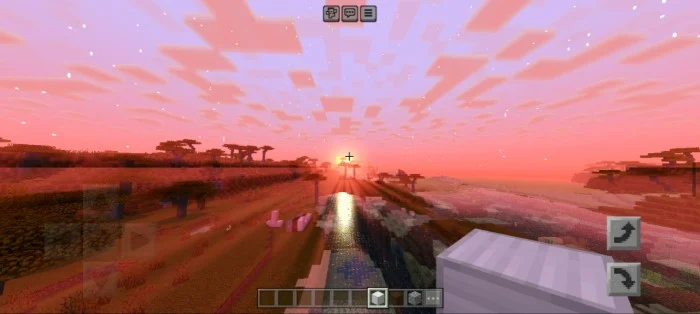
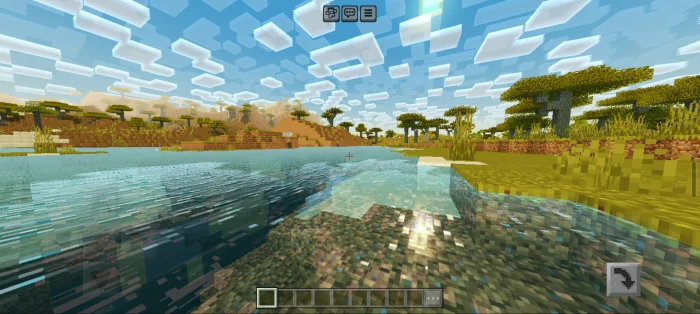
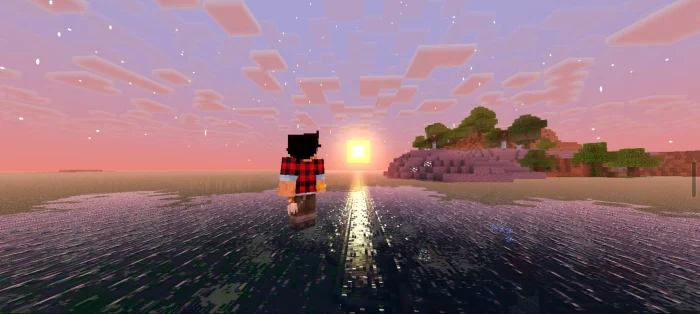
How to install AziFy Revive
- Download the .mcpack file using the button on this page.
- Open the downloaded file with Minecraft Bedrock Edition.
- Wait for Minecraft to confirm that the import has completed.
- Activate the imported pack in the world settings.
- Back up important worlds before installing community content.
Creator: Azi Angelo Real
Download AziFy Revive (1.20) Top for free
Preparing your download…
If the download did not start automatically, click here.