About Climax Shaders
- The Render Dragon Features for Creators toggle must be turned on. After activating this pack, open the settings while in-game, and go to video settings. Here, select the Deferred Technical Preview graphics mode. Then, you are able to adjust the shader settings. Turn on Upscaling for better FPS.
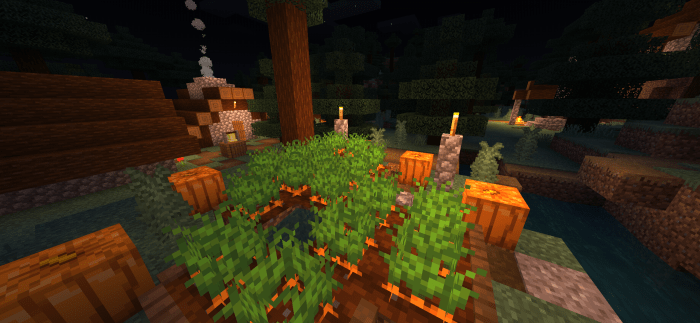
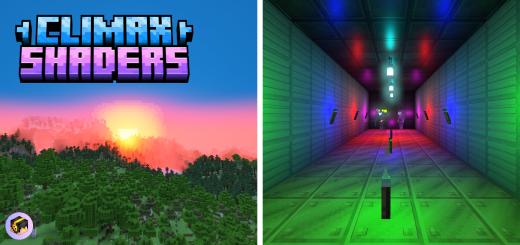
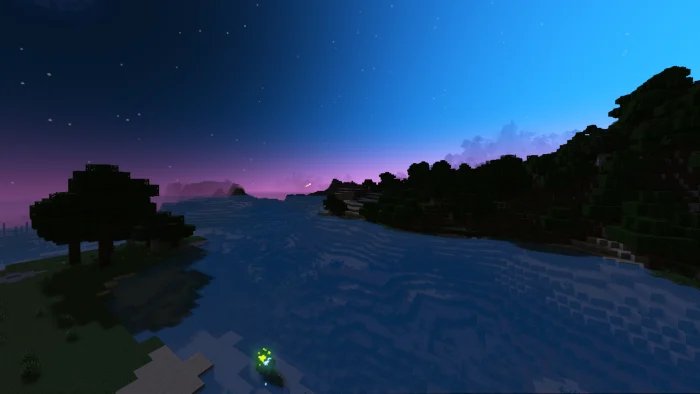
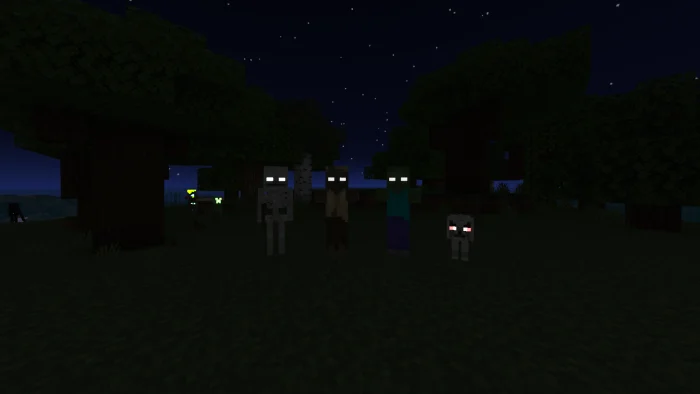
Climax Shaders uses the new deferred lighting system in Minecraft Bedrock. It adds shadows, beautiful atmospherics, depth to blocks, and makes the eyes of hostile mobs glow in the dark. More content will be added as the Deferred Technical Preview gets updated!
This pack is still in development. More content will be added in future updates.
Climax Shaders screenshots



How to install Climax Shaders
- Download the .mcpack file using the button on this page.
- Open the downloaded file with Minecraft Bedrock Edition.
- Wait for Minecraft to confirm that the import has completed.
- Activate the imported pack in the world settings.
- Back up important worlds before installing community content.
Creator: HonKit26113
Download Climax Shaders (1.20) Top for free
Preparing your download…
If the download did not start automatically, click here.