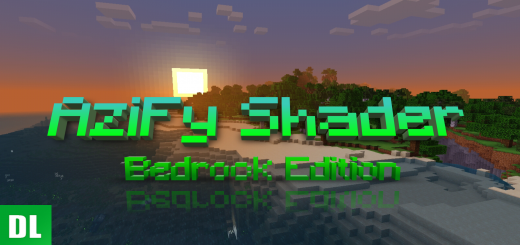
About AziFy Pocket Edition Shader
Created By Azi Angelo Coder Real
This Shader has alot of features!!
It will includes
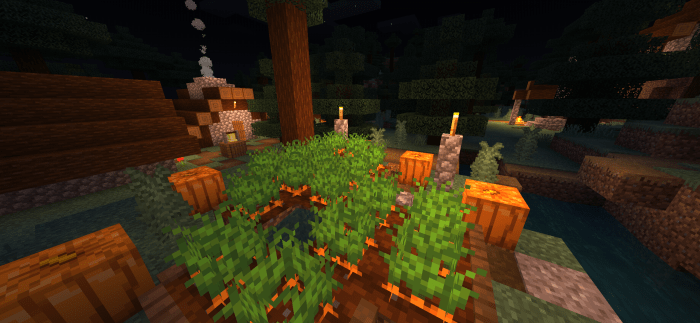
• Sun bloom • Sunset and Sunrise reflection • Direct light also known as Dirlight • Glowing ores • Waving plants • Waving water • Waving underwater • Remove fog in underwater and nether • World color • Thicker clouds
AziFy Pocket Edition Shader screenshots


How to install AziFy Pocket Edition Shader
- Download the .mcpack file using the button on this page.
- Open the downloaded file with Minecraft Bedrock Edition.
- Wait for Minecraft to confirm that the import has completed.
- Activate the imported pack in the world settings.
- Back up important worlds before installing community content.
Download AziFy Pocket Edition Shader (1.17, 1.18) Low-End Devices for free
Preparing your download…
If the download did not start automatically, click here.