
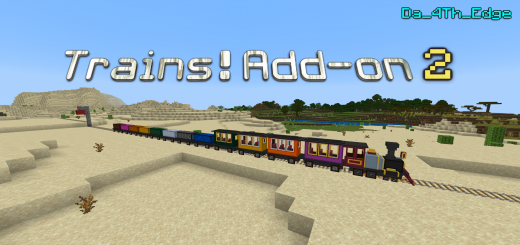
About Trains
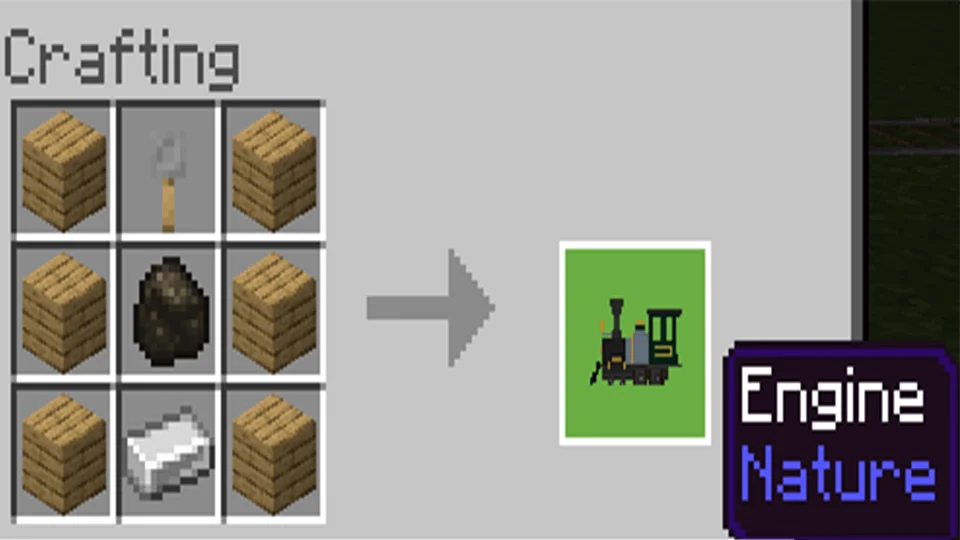
- Craft and place down the Engine.
- Ride and move forward to adjust the engine's orientation.
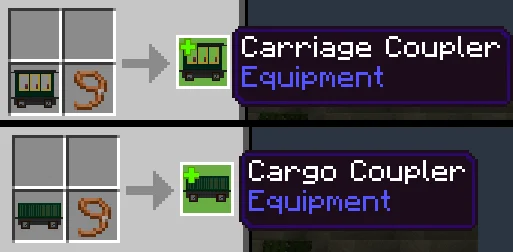
- Craft the couplers.
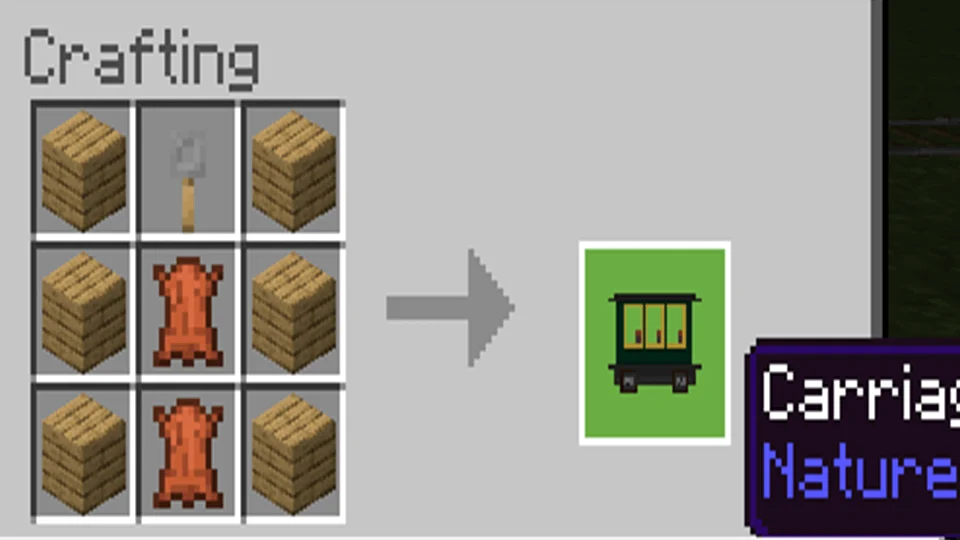
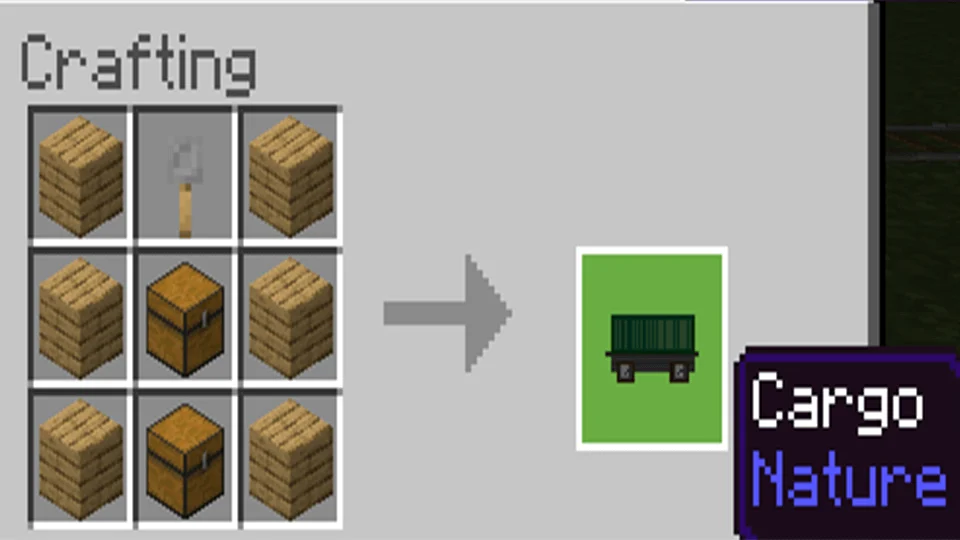
- Crouch and interact with the couplers to spawn a connected carriage or cargo.
- Repeat step 3 and build your train!
- Crouch and interact with dyes to color the engine, carriages and cargos. There are total 8 colors available.
- Ride the engine and move forward, all connected carriages and cargos will move along.
Useful commands
/give @s edge:engine_spawn_egg /give @s edge:carriage_spawn_egg /give @s edge:cargo_spawn_egg /give @s edge:carriage_coupler /give @s edge:cargo_coupler
Trains screenshots
How to install Trains
- Download the .mcaddon file using the button on this page.
- Open the downloaded file with Minecraft Bedrock Edition.
- Wait for Minecraft to confirm that the import has completed.
- Activate the imported pack in the world settings.
- Back up important worlds before installing community content.
Download Trains (1.16) Transport for free
Preparing your download…
If the download did not start automatically, click here.


