
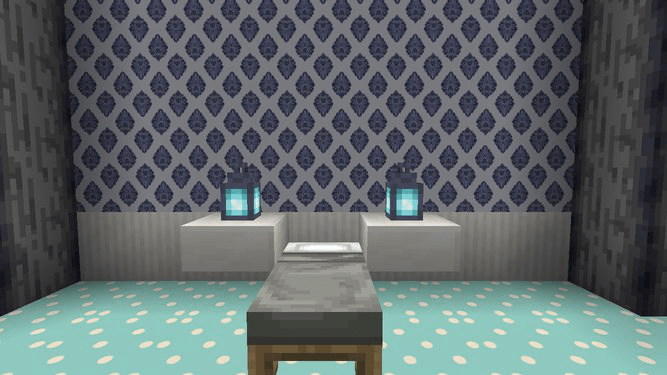
About The Wallpaper
This addon adds 46 custom blocks! Each block has its own unique tiling pattern, making it perfect for walls, and even flooring!
How to Use
To access all 46 wallpapers, you need to put any color of wool into a stonecutter. Once again, this can be done in survival mode!
These are NOT retextured blocks, this addon has truly added 46 new blocks to the game. This means that all of the existing blocks that are already in the game are unaffected by this addon.
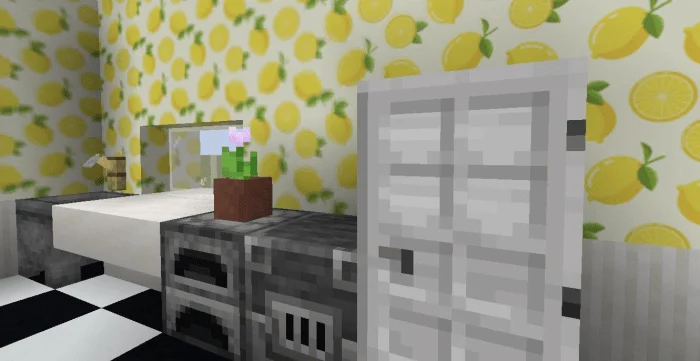
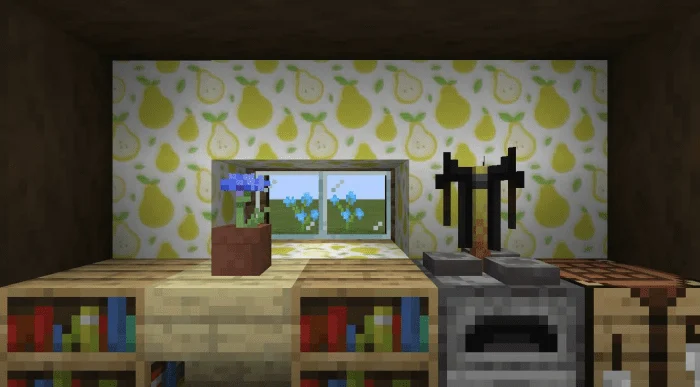
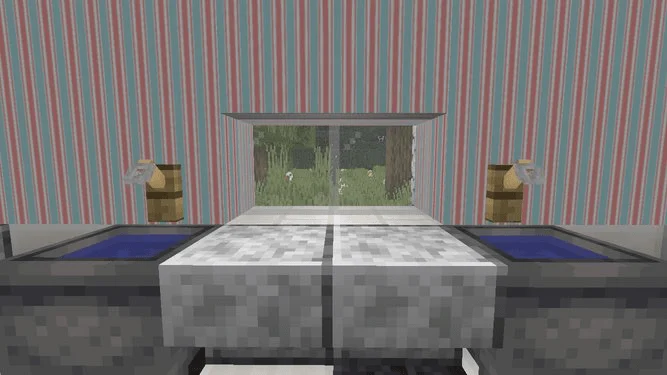
The Wallpaper screenshots
How to install The Wallpaper
- Download the .mcaddon file using the button on this page.
- Open the downloaded file with Minecraft Bedrock Edition.
- Wait for Minecraft to confirm that the import has completed.
- Activate the imported pack in the world settings.
- Back up important worlds before installing community content.
Download The Wallpaper (1.16) Decorations for free
Preparing your download…
If the download did not start automatically, click here.


