
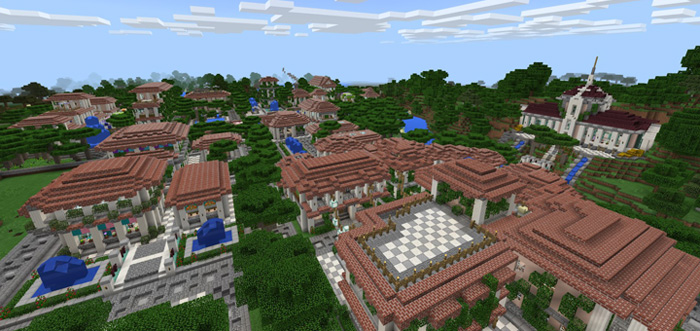
About The City of Romna
This world was first created back in May of this year (2017) and since then it has been in full development and today it’s almost finally finished. This is released as a beta version in order to receive feedback on things which need to be fixed, improved, changed or removed. Download the map to enjoy The City of Romna in full and to explore the beautiful buildings!
How to install The City of Romna
- Download the .zip file using the button on this page.
- Open the downloaded file with Minecraft Bedrock Edition.
- Wait for Minecraft to confirm that the import has completed.
- Select the imported world from the Minecraft world list.
- Back up important worlds before installing community content.
Download The City of Romna for free
Preparing your download…
If the download did not start automatically, click here.


