
About Structure In One Click
Created By Youtube Dante Gaming
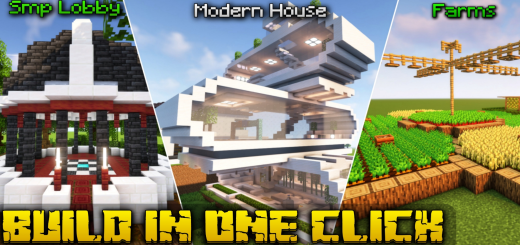
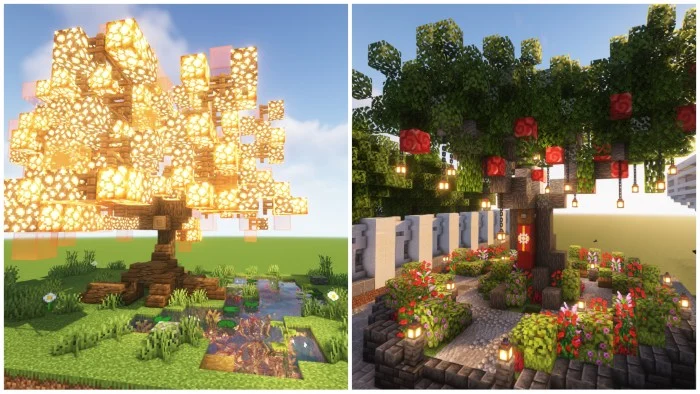
This Addon You Can Create Very Easily 100+ Structures In Just One Click By Using Structure Block. Structures Types: Lobby For SMP, Modern House & Medieval House With Interior Design, Minigames Like Basketball, Parkour, Farms, Floor Design ,Fountain, And Many More.
How To Get Structures List
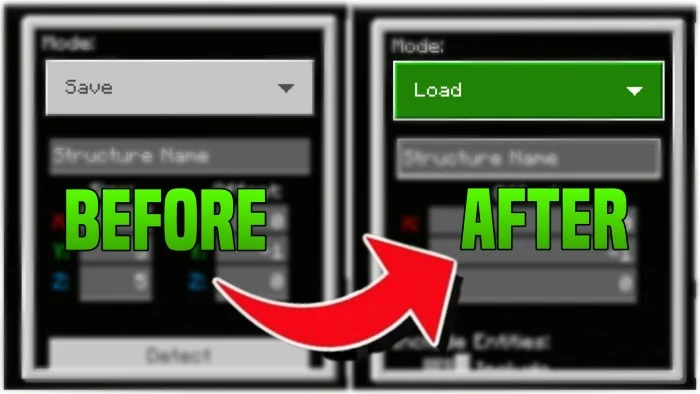
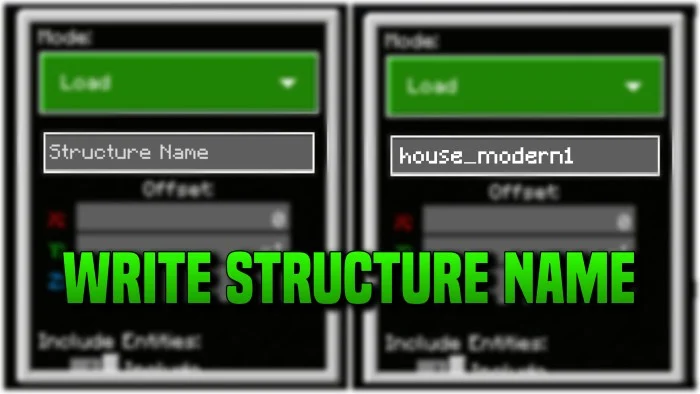
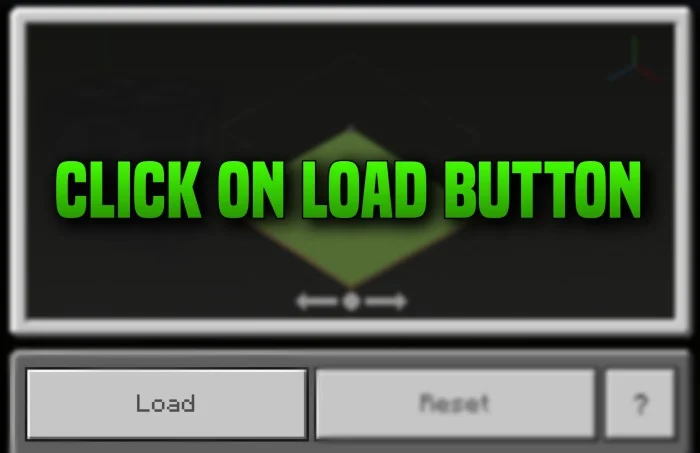
Open Chat Box And Type /function list1 or /function list2 /give @p structure_block By This Command You Will Get Structure Block Place Structure Block Where You Want To Build Change Mode Save To Load Type Here Name Of The Build Click On Load Button
Structure In One Click screenshots
How to install Structure In One Click
- Download the .mcpack file using the button on this page.
- Open the downloaded file with Minecraft Bedrock Edition.
- Wait for Minecraft to confirm that the import has completed.
- Activate the imported pack in the world settings.
- Back up important worlds before installing community content.
Download Structure In One Click (1.18, 1.19) for free
Preparing your download…
If the download did not start automatically, click here.


