
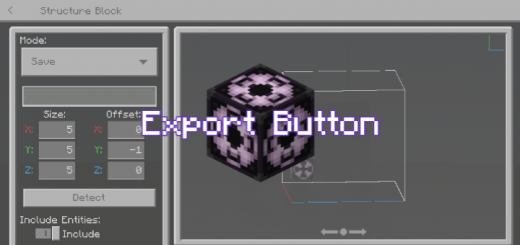
About Structure Block Export Button for MCPE
Created By DreiGamingYT
This Add-On added Export Button in Structure Block to export your structure to file, easy to do just fit the coordinates of the structure, renamed and export.
You can now Export your structure into .mcstructure file.
— Save mode allows the player to highlight a structure in the world and save it to a file.
— Used to Export a structure into a .mcstructure file, which can be used to load from the structures folder of a behavior pack. If the structure contains a custom block from a behavior pack, then the block is also saved on the structure block.
Structure Block Export Button for MCPE screenshots

How to install Structure Block Export Button for MCPE
- Download the .mcpack file using the button on this page.
- Open the downloaded file with Minecraft Bedrock Edition.
- Wait for Minecraft to confirm that the import has completed.
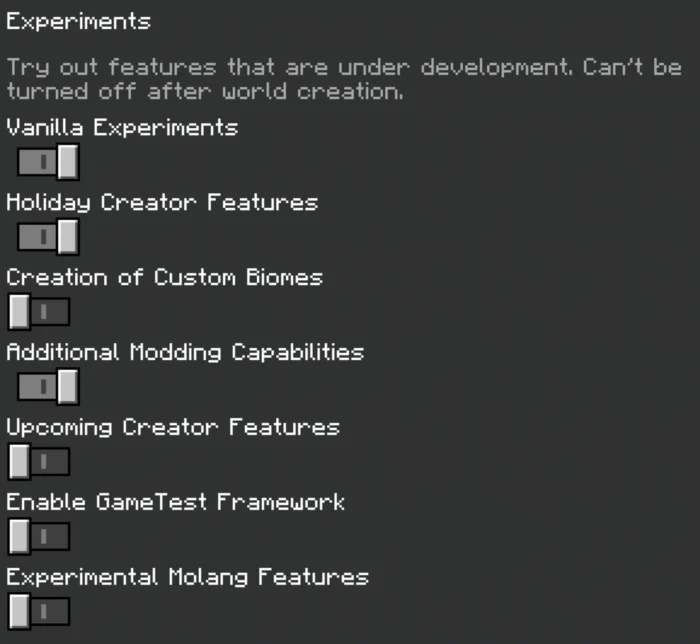
- Activate the imported pack in the world settings.
- Back up important worlds before installing community content.
Download Structure Block Export Button for MCPE (1.17, 1.18) for free
Preparing your download…
If the download did not start automatically, click here.


