
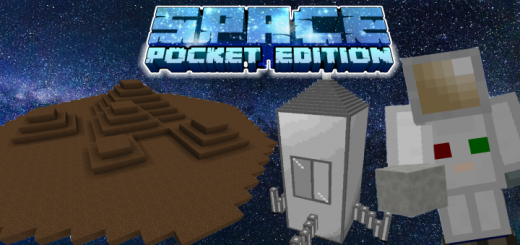
About Space.PE
SpacePE is an addon for Minecraft Bedrock, which adds something like space to the game. Currently it contains 4 terrestrial planets and many space blocks, items, ores… Let's go into space!
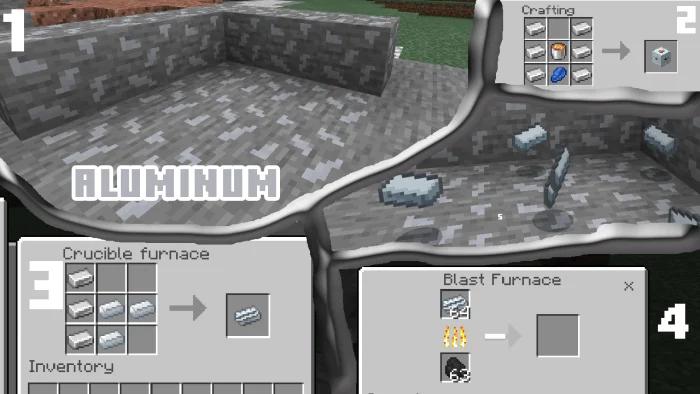
First, we need a spacesuit. To create it, we need new ore – aluminum, iron, and a new furnace – crucible! In a crucible furnace, you can create an alloy of aluminum and iron. After that, the resulting ingot must be melted in a blast furnace – and the material is ready!
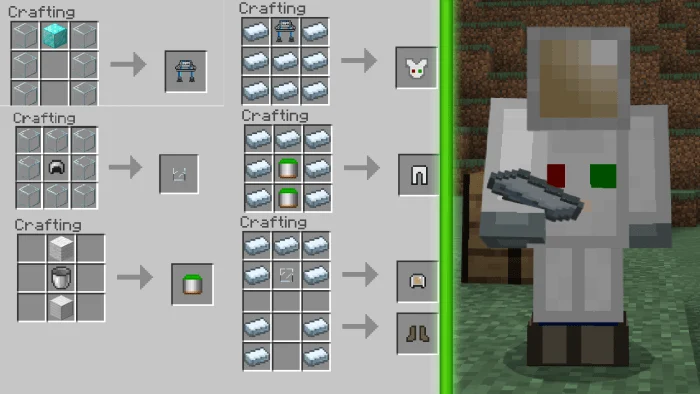
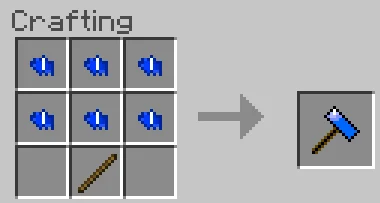
There are only a few items left to make – an Oxygen Gear, an Oxygen Helmet and an Oxygen Tank. Next – you need to make armor from alumiron. Follow the crafting in the picture! To activate the suit correctly, use a longtap across the screen.
Fine! Now we need a rocket. First, let's create a pad from blocks of aluminum. Then we will create a rocket – you can see this process in the screenshot – and we are ready! Stop, we also need fuel! There are 2 types of fuel – igniter and regular fuel, which is faster than igniter!
When you get into the rocket, hit the block with fuel – you will fly! But wait… We need to find out the coordinates of the planet from the beginning!
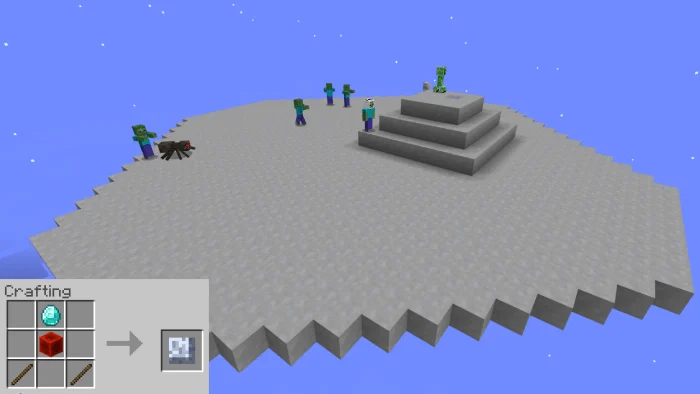
In order to get to the planet – you need to find it! And to find it, you need a planetary telescope. The first planet available to you is the moon. Let's explore it!
Space.PE screenshots

How to install Space.PE
- Download the .mcaddon file using the button on this page.
- Open the downloaded file with Minecraft Bedrock Edition.
- Wait for Minecraft to confirm that the import has completed.
- Activate the imported pack in the world settings.
- Back up important worlds before installing community content.
Download Space.PE (1.16) Gameplay for free


