
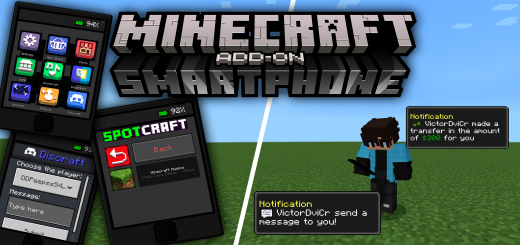
About Smartphone Add-on
Created By Peepss
Turn on in map settings
- holiday creator features
- additional modding capabilities
- experimental molang features
Change the weather, day, night, play music and apply effects to improve your game and have fun with your friends! An add-on made for you and your friends to have fun, maybe even troll each other!
Craftings
- 3 Iron Ingots
- 1 Redstone
- 1 Glass Panel
- 1 Dye (Put the dye in the color you want the smartphone to be)
Smartphone Add-on screenshots


How to install Smartphone Add-on
- Download the .mcaddon file using the button on this page.
- Open the downloaded file with Minecraft Bedrock Edition.
- Wait for Minecraft to confirm that the import has completed.
- Activate the imported pack in the world settings.
- Back up important worlds before installing community content.
Download Smartphone Add-on (1.19) Tools for free
Preparing your download…
If the download did not start automatically, click here.


