
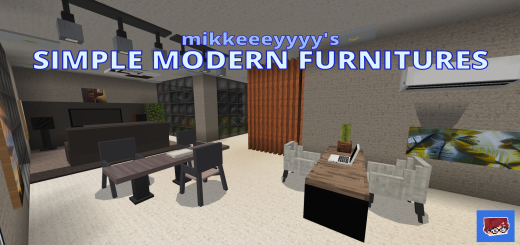
About Simple Modern Furniture
Created By mikkeeeyyyy
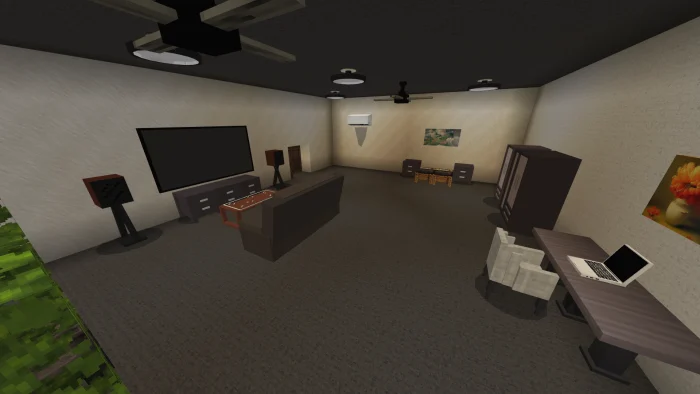
Decorate your world or each part of your modern house with these sets of simple modern furniture! From living rooms, bedrooms, dining room, bathroom, and more! With additional architectural blocks for your perfect future house!
Features
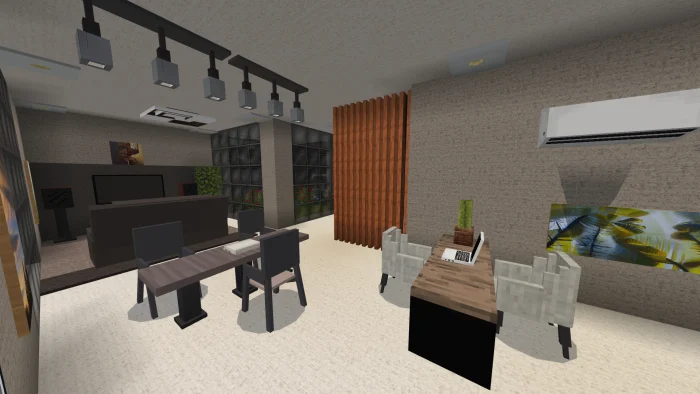
Different decorations/designs for your modern house/mansion. Laptops, Large TV, Refrigerator, Oven, Ceiling Fan, Ceiling Lights, Cabinets and more! Each items/furniture are categorize on where it can be place in your house (e.g. Living Room, Bedroom, more!) 40+ custom blocks for decorations 30+ custom entities as furniture
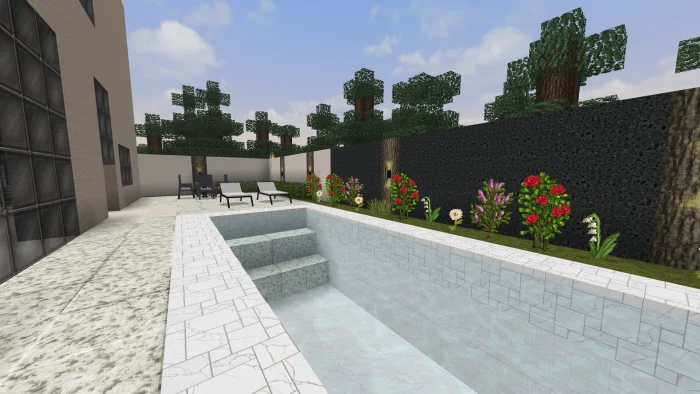
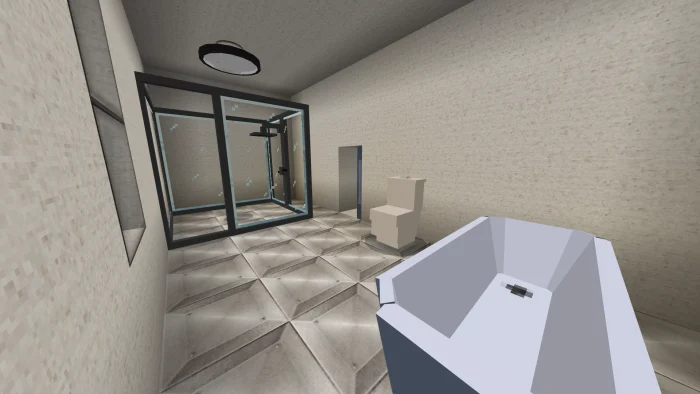
Simple Modern Furniture screenshots
How to install Simple Modern Furniture
- Download the .mcaddon file using the button on this page.
- Open the downloaded file with Minecraft Bedrock Edition.
- Wait for Minecraft to confirm that the import has completed.
- Activate the imported pack in the world settings.
- Back up important worlds before installing community content.
Download Simple Modern Furniture (1.19) Decorations for free
Preparing your download…
If the download did not start automatically, click here.


