
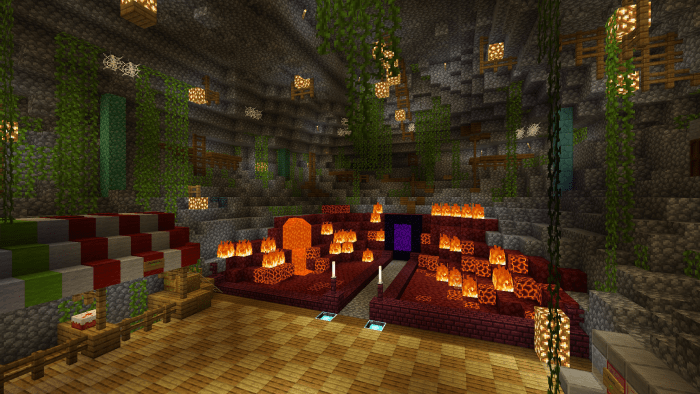
About Saturation Pack
The Saturation Pack was created for those who want to enhance the vibrance of Minecraft’s colors, without ditching the original textures. This is not a shader, as it does not modify the game’s shader files, but instead, the actual images inside the game.
This texture pack includes all the original textures but the difference is that they have been saturated. By saturating the textures the colors have become much more intense and vibrant. It’s most noticeable when looking at lots of different colors such as during a sunset or when looking out over a beautiful field of flowers.
Creator: FloBoi Updated: 26 May, 2020
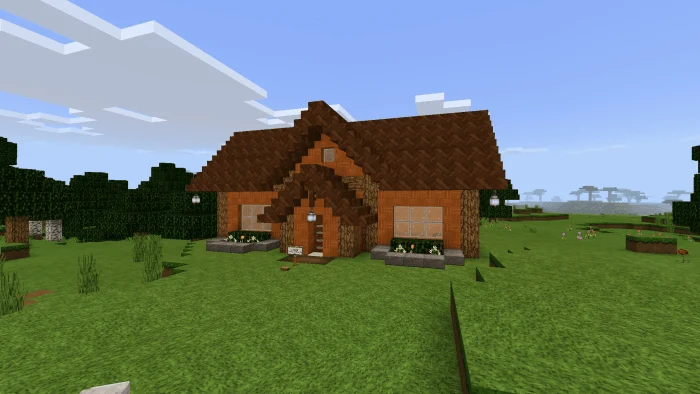
Saturation Pack screenshots
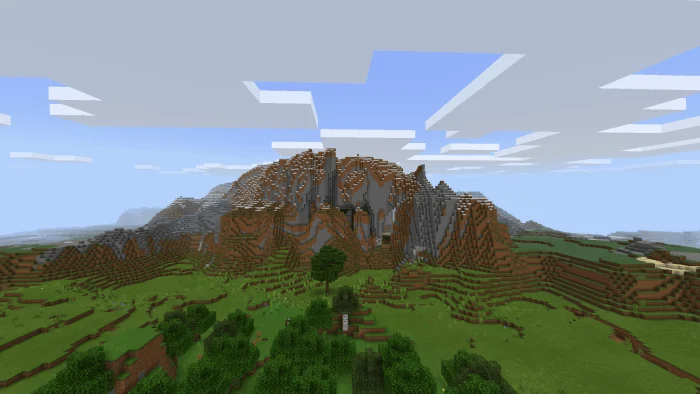
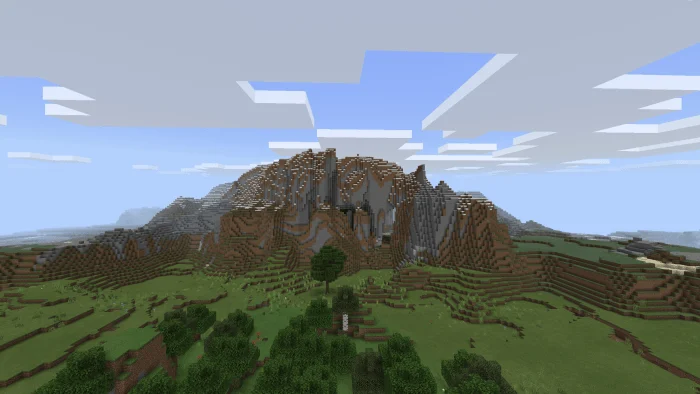
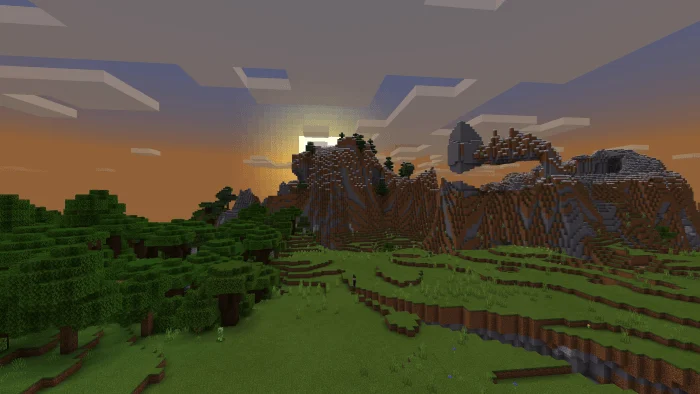
How to install Saturation Pack
- Download the .mcpack file using the button on this page.
- Open the downloaded file with Minecraft Bedrock Edition.
- Wait for Minecraft to confirm that the import has completed.
- Activate the imported pack in the world settings.
- Back up important worlds before installing community content.
Download Saturation Pack (1.16) 16×16 for free
Preparing your download…
If the download did not start automatically, click here.


