
About Run or Die
Created By zenatozena1
This map is presented to Minecraft players who have experience in parkour, because on this map it is not allowed to stop during certain conditions, on this map there is a choice of difficulty, each difficulty has a time that the player allows to pause
When the game starts, the player must not stop from the parkour, if the player stops, it will automatically be moved to the previous check point. And if the player leaves the parkour location, the player will be automatically moved to the previous check point. at the check point you can stop there without fear of death / being moved. If in the game the player wants to exit in the game can remove the leather cap to be moved to the lobby
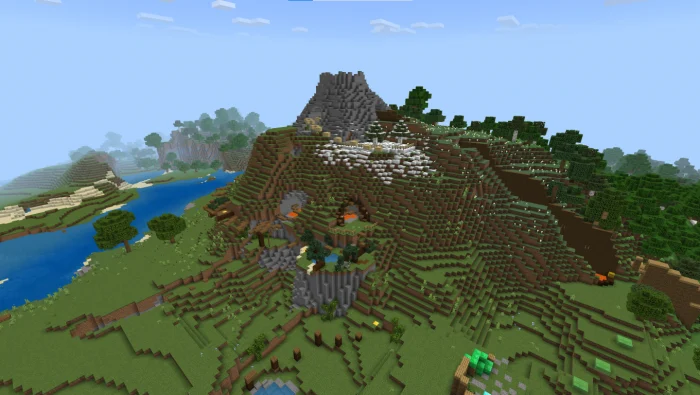
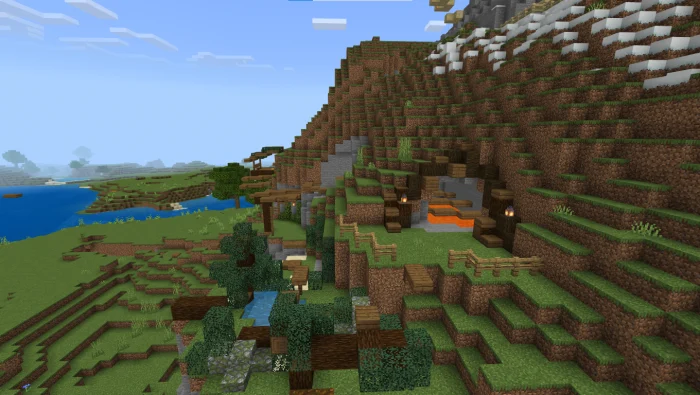
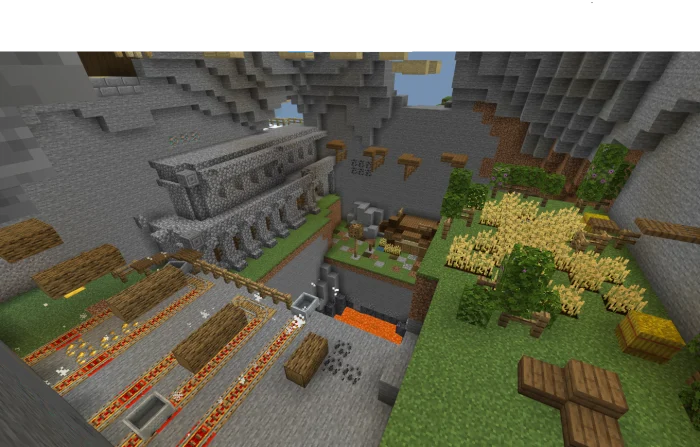
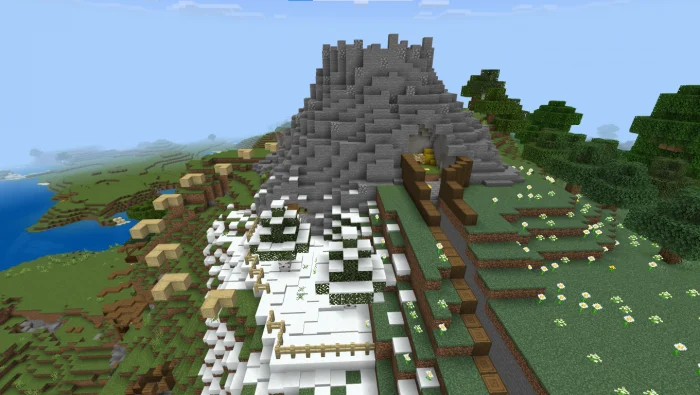
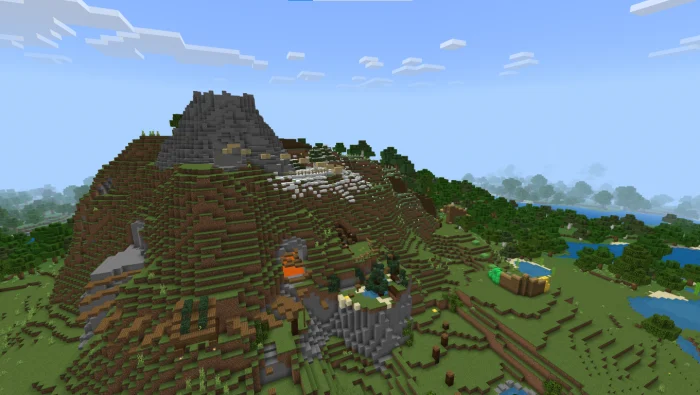
Run or Die screenshots
How to install Run or Die
- Download the .mcworld file using the button on this page.
- Open the downloaded file with Minecraft Bedrock Edition.
- Wait for Minecraft to confirm that the import has completed.
- Select the imported world from the Minecraft world list.
- Back up important worlds before installing community content.
Download Run or Die (1.19) Parkour for free


