
About Reduce Player Gravity Addon
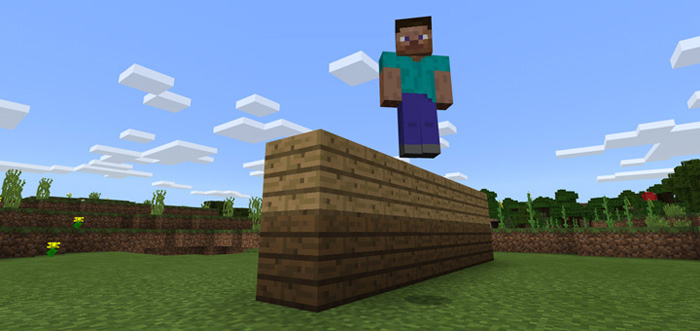
By using this addon the gravity for players will be weaker which gives them the ability to jump higher than what is normally possible. Each jump is a little bit different but it’s normally in the range of 2 blocks high compared to the default setting which is 1 block.
Creator: Xu Jiaxin
How does it work? Gravity is something natural which causes all things which have mass to bring them toward one another. This includes everything from other galaxies and planets to humans and gummy bears.
As you probably know, Minecraft uses some natural laws, like gravity, to make the game experience seem more realistic. This addon weakens the gravity behavior for players and this makes it possible for players to jump higher (approximately 2 blocks high) than before.
How to install Reduce Player Gravity Addon
- Download the .mcpack file using the button on this page.
- Open the downloaded file with Minecraft Bedrock Edition.
- Wait for Minecraft to confirm that the import has completed.
- Activate the imported pack in the world settings.
- Back up important worlds before installing community content.
Download Reduce Player Gravity Addon for free


