
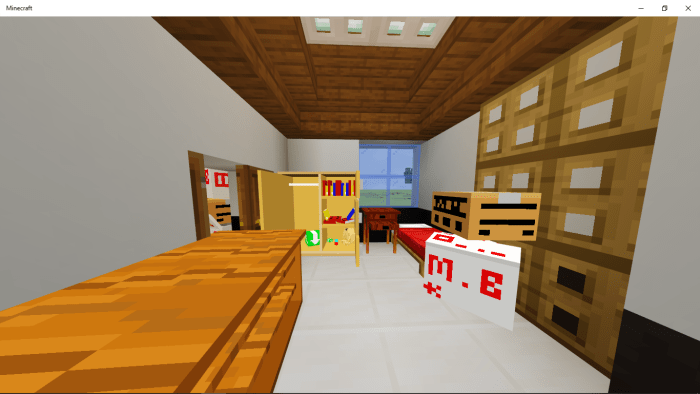
About Realistic Storage Furnitures
- Requires Experimental Mode in the world.
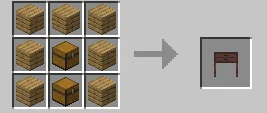
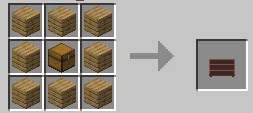
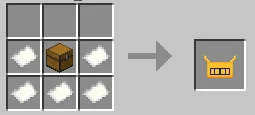
These add-on adds craftable furniture storage in your world.
In this first version there is only 5 furnitures that is craftable for now.
How can I place these furnitures? After crafting you can place it like using a spawn egg.
How can I break them? For now you can use a stick then right click on them to break.
Some furnitures like the cabinet are hard to break go to its side then right click using a stick to break..
Realistic Storage Furnitures screenshots
How to install Realistic Storage Furnitures
- Download the .mcaddon file using the button on this page.
- Open the downloaded file with Minecraft Bedrock Edition.
- Wait for Minecraft to confirm that the import has completed.
- Activate the imported pack in the world settings.
- Back up important worlds before installing community content.
Download Realistic Storage Furnitures (1.16 Beta) Decorations for free
Preparing your download…
If the download did not start automatically, click here.


