

About Realistic Lucky Block
Created By TheLake ⚠️Turn on experiments in map settings!
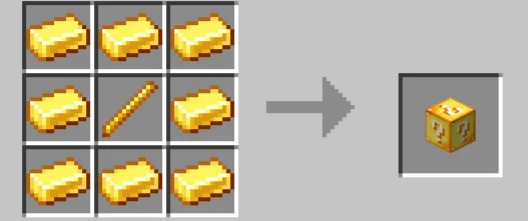
The Realistic Lucky Block comes in two versions: one that can be crafted on a crafting table and another that cannot.
Can be found in nature Lucky block can be found in nature. You just need to go for a walk to find it. Before forgetting that if you want the Lucky block to occur in the world you need to turn on experimental features.
Biome: Can be found in certain biomes (ONLY birch, flower forest, forest, jungle, lush caves, plains, savanna, taiga)
How to get it? To get the Lucky block, enter the inventory, then enter the nature section, you can see it below or enter the chat section and type "give @s thelake: lucky_block
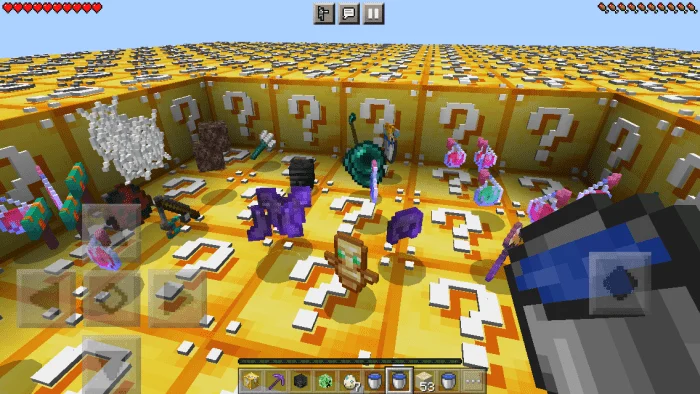
Realistic Lucky Block screenshots
How to install Realistic Lucky Block
- Download the .mcaddon file using the button on this page.
- Open the downloaded file with Minecraft Bedrock Edition.
- Wait for Minecraft to confirm that the import has completed.
- Activate the imported pack in the world settings.
- Back up important worlds before installing community content.
Download Realistic Lucky Block (1.20) for free


