
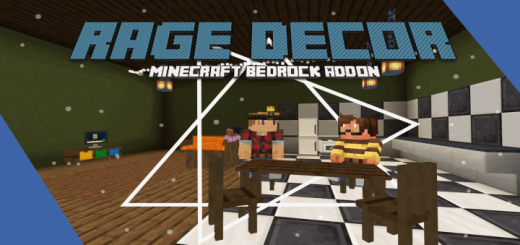
About Rage Decor
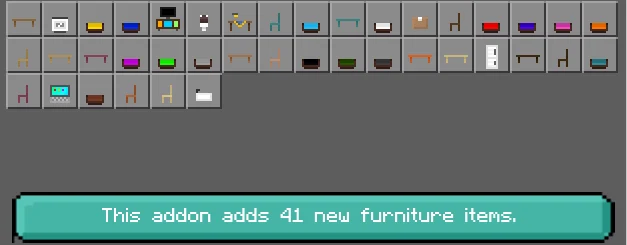
A new, fully survival friendly furniture add-on. Rage decor will add 41 new furniture items to your minecraft world, including a custom recipe book.
How does the addon work? Creative mode: All furniture items will display in the creative menu. Simply search “rage decor” to see all available furniture that the addon offers.
Survival mode
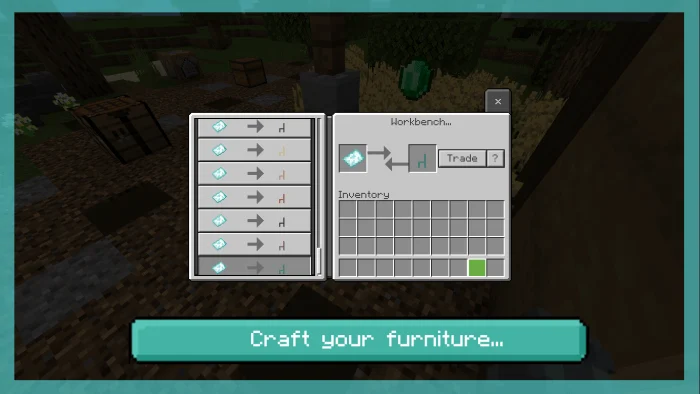
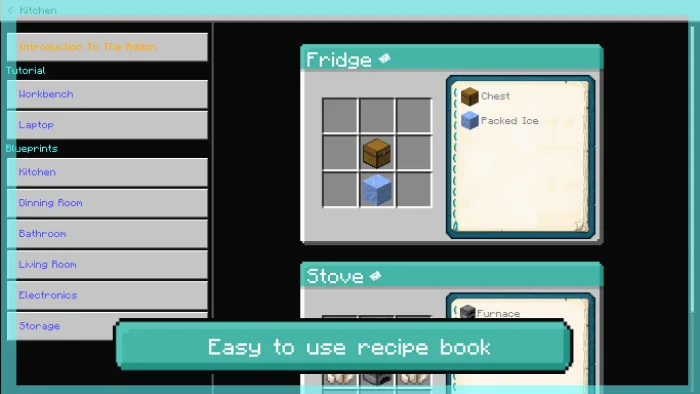
There are 2 ways to obtain furniture; Buying them from laptop or crafting them in crafting bench. The how to play screen has been transformed into a recipe book for this addon. Browse threw the tabs to select the crafting recipe you want.
How to craft furniture
You first need to craft the blueprint of the furniture piece you want in a crafting table. Check the recipe book on the top side next to the close marker in the crafting menu. Once you crafted the blueprint, then you need a workstation to convert it into furniture.
Rage Decor screenshots
How to install Rage Decor
- Download the .mcaddon file using the button on this page.
- Open the downloaded file with Minecraft Bedrock Edition.
- Wait for Minecraft to confirm that the import has completed.
- Activate the imported pack in the world settings.
- Back up important worlds before installing community content.
Download Rage Decor (1.16) Decorations for free


