
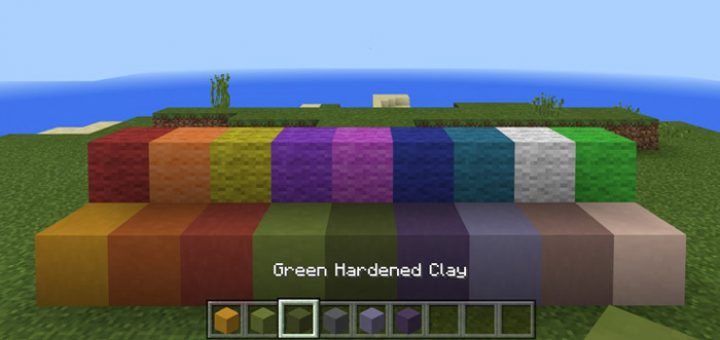
About Pre-1.1 Pack
This texture pack brings back some of the old textures which existed in previous versions of 1.1 for Minecraft. Even though the new textures appear to be quite popular among builders there’s definitely a distinct difference between the old and new textures. And since you can’t downgrade (in any easy way) a texture pack is probably the best option if you want to go back to the good old days.
Creator: llouie70 Updated: 17 June, 2017 (added Spanish support)
How to install Pre-1.1 Pack
- Download the .mcpack file using the button on this page.
- Open the downloaded file with Minecraft Bedrock Edition.
- Wait for Minecraft to confirm that the import has completed.
- Activate the imported pack in the world settings.
- Back up important worlds before installing community content.
Download Pre-1.1 Pack Textures for free
Preparing your download…
If the download did not start automatically, click here.


