
About Potopo: Furniture (1.16)
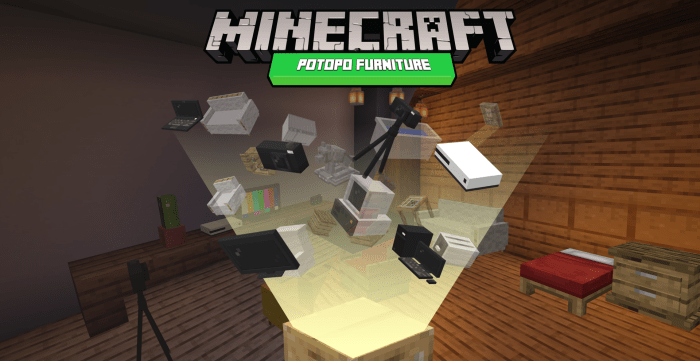
This AddOn adds decorative elements to the game, always trying to preserve the artistic style of Minecraft.
The decorative elements of this AddOn can be obtained in survival mode, through the “loot box”.
Some furniture can be used as containers to store items.
Random furniture box
By destroying this box, you can randomly get some of the furniture in this addon.
Red stone decoder
This new entity will allow you to be able to select the furniture you most want.
How to install Potopo: Furniture (1.16)
- Download the .mcpack file using the button on this page.
- Open the downloaded file with Minecraft Bedrock Edition.
- Wait for Minecraft to confirm that the import has completed.
- Activate the imported pack in the world settings.
- Back up important worlds before installing community content.
Download Potopo: Furniture (1.16) Cosmetic for free
Preparing your download…
If the download did not start automatically, click here.


