
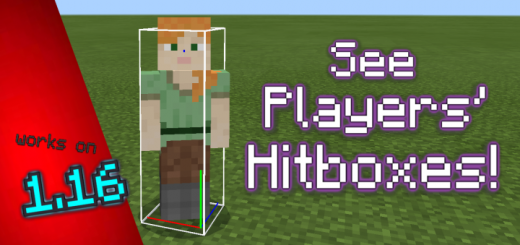
About Player Hitbox Display
Created by ambient
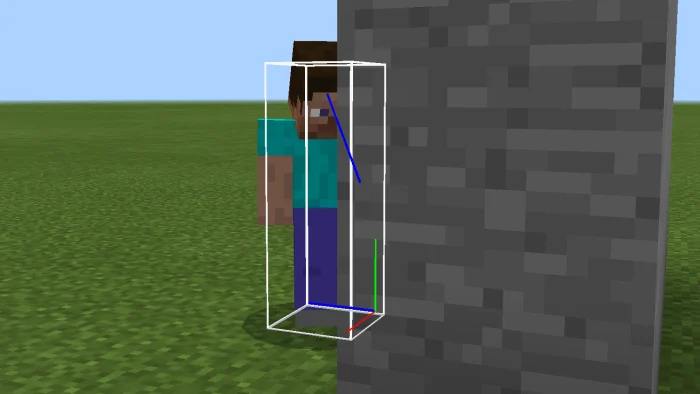
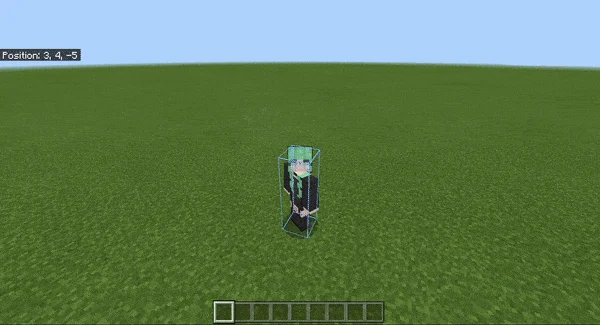
Have you ever wanted to see another player's hitbox, or even your own? With this pack, you can. Additionally, you can see player hitboxes through walls, see XYZ axis position, and better visualize head head rotation.
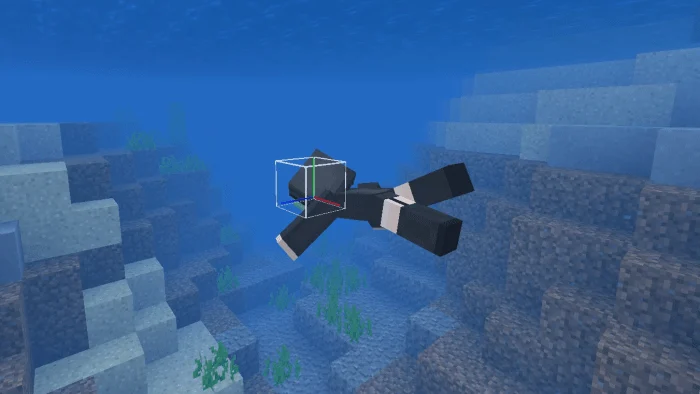
Unlike some currently existing hitbox resource packs out there, this pack preserves player position and does not transform the hitbox along with player rotation, authentic to the real hitbox; the display acts similarly to Java Edition (0.6 x 1.8). It also comes with extra utilities and features.
You can see hitboxes and the head ray cast of other players through walls. Additionally, the bottom corner of the hitbox shows an X axis (red), Y axis (green), and Z axis (blue) reference in respect to player position.
This resource pack functions fully on servers, such as Cubecraft, The Hive, and more.
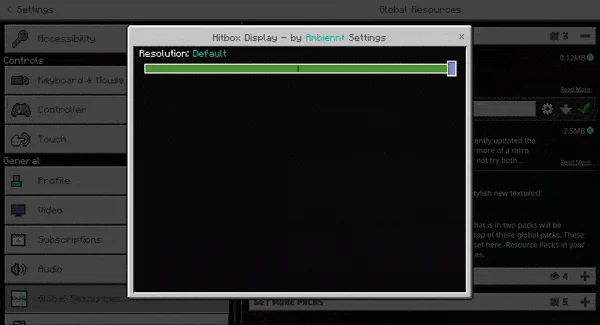
Player Hitbox Display screenshots
How to install Player Hitbox Display
- Download the .mcpack file using the button on this page.
- Open the downloaded file with Minecraft Bedrock Edition.
- Wait for Minecraft to confirm that the import has completed.
- Activate the imported pack in the world settings.
- Back up important worlds before installing community content.
Download Player Hitbox Display (1.16, 1.17, 1.18, 1.19) Top for free


