
About Player corpse
Created By XxPoggyisLitxX
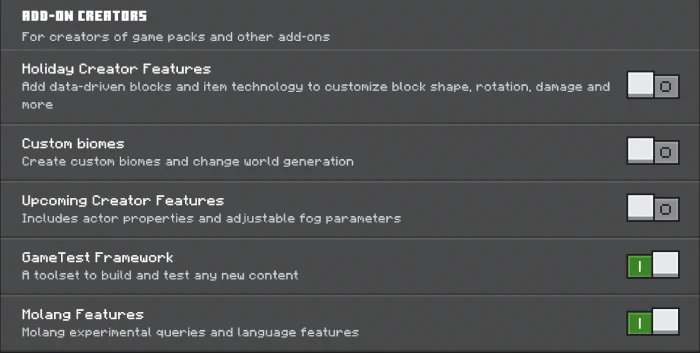
- Turn on experimental options in map settings
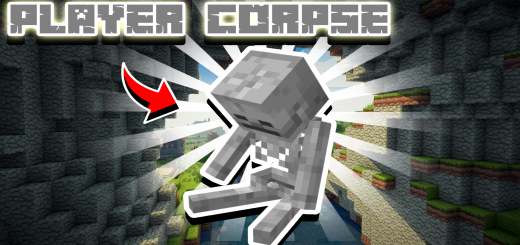
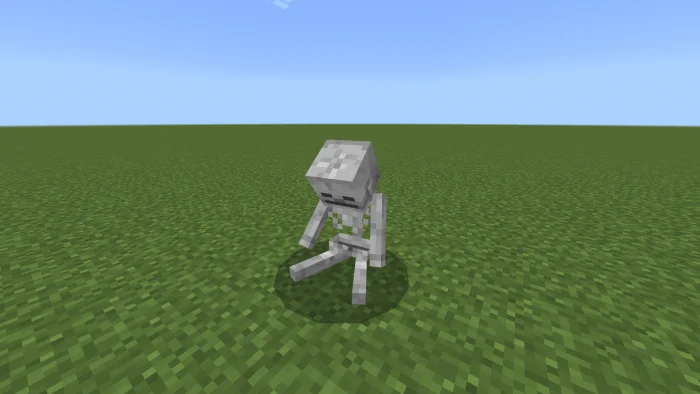
Player Corpse is a Add-On that adds a new way for your items to stay safe when you died. The Corpse will spawn right after you have died and will store all your items and gear.
- The corpse looks like a skeleton because it's where you died
- To get your loot back you need to punch your corpse for it to drop your stored items
Player corpse screenshots
How to install Player corpse
- Download the .mcaddon file using the button on this page.
- Open the downloaded file with Minecraft Bedrock Edition.
- Wait for Minecraft to confirm that the import has completed.
- Activate the imported pack in the world settings.
- Back up important worlds before installing community content.
Download Player corpse (1.19, 1.20) for free
Preparing your download…
If the download did not start automatically, click here.


