
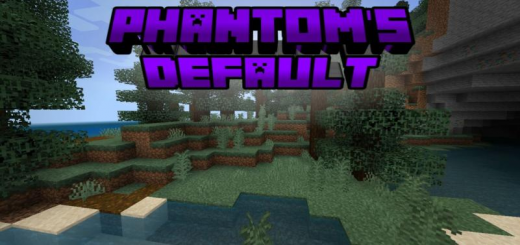
About Phantom´s Default
Created by PhantomRK
Would you like different textures without losing the vanilla style? If true you might like to use Phantom's Default, a Default Edit texture pack. This is a very early version.
This is a very early version of the texture pack, which means it will continue to update adding more blocks each time.
Would you like different textures without losing the vanilla style? If true you might like to use Phantom's Default, a Default Edit texture pack.
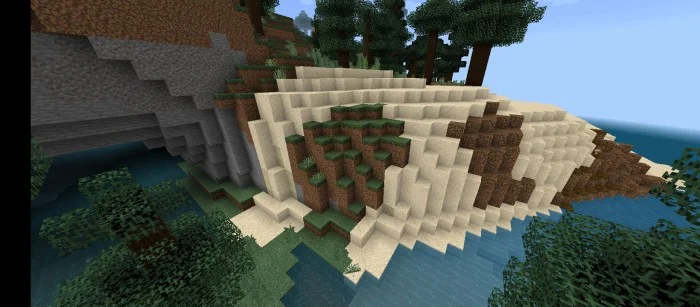
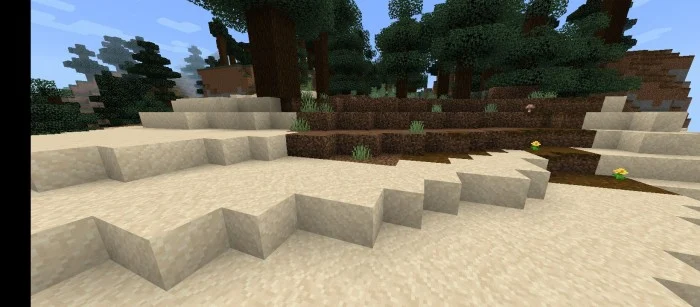
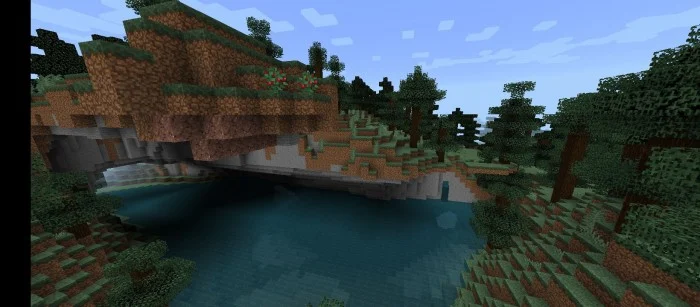
At this moment this pack changes exactly 67 blocks and 71 items including all tools, all armors, nature stones, sand and red sand, almost all wood blocks, grass block and others.
Phantom´s Default screenshots
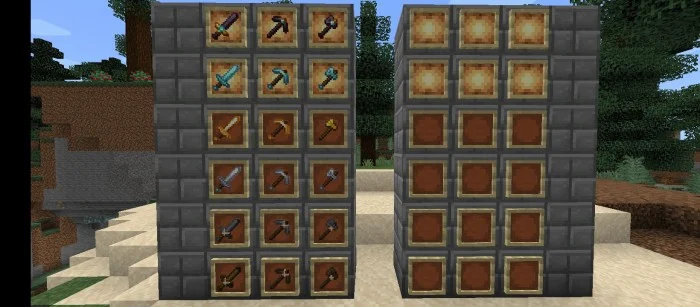
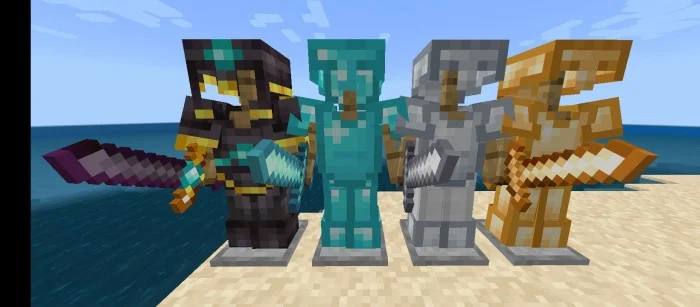
How to install Phantom´s Default
- Download the .mcpack file using the button on this page.
- Open the downloaded file with Minecraft Bedrock Edition.
- Wait for Minecraft to confirm that the import has completed.
- Activate the imported pack in the world settings.
- Back up important worlds before installing community content.
Download Phantom´s Default (1.16, 1.17, 1.18, 1.19) 16×16 for free
Preparing your download…
If the download did not start automatically, click here.


