
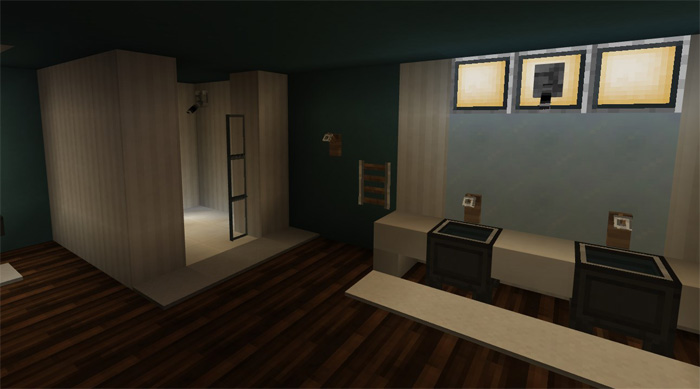
About Pamplemousse PE
Pamplemousse is one of the best modern texture packs which is specifically suited for low-end devices since it’s using low resolution textures (16x). At the same time that the textures are smooth and simplistic they are detailed enough to make them fit nicely for modern creations. If you are looking for something clean and modern then this is a must-have.
Creator: MrFruitTree (original PC pack) Ported by: Shark_Clent
How to install Pamplemousse PE
- Download the .mcpack file using the button on this page.
- Open the downloaded file with Minecraft Bedrock Edition.
- Wait for Minecraft to confirm that the import has completed.
- Activate the imported pack in the world settings.
- Back up important worlds before installing community content.
Download Pamplemousse PE 16×16 for free
Preparing your download…
If the download did not start automatically, click here.


