
About Outlined Ores
Created By Gilded Bedrock
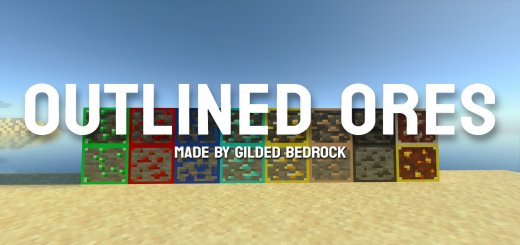
This pack has 18 adjustable options! It includes the new ore textures and the original ore textures, with an option to use borders for both! Choose between red, orange, yellow, green, aqua, blue, pink, purple, RGB, RGB ANIMATED, black, and white! The New/Old Ores Outlined option outlines ores according to their type.
Outlined Ores screenshots


How to install Outlined Ores
- Download the .mcpack file using the button on this page.
- Open the downloaded file with Minecraft Bedrock Edition.
- Wait for Minecraft to confirm that the import has completed.
- Activate the imported pack in the world settings.
- Back up important worlds before installing community content.
Download Outlined Ores (1.16, 1.17, 1.18, 1.19) Blocks for free
Preparing your download…
If the download did not start automatically, click here.


