
About Note Block Game Sounds
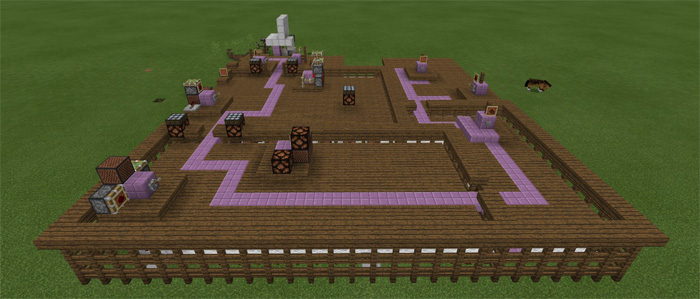
This map contains five different redstone creations which can be used to play sounds from famous video games. All of the sounds are very short but you can set them on loop to make them play an infinite amount of times. Have a look at the different creations and find out how to add them to your own worlds.
Creator: TNTyaay
There are five different sounds which you can play and each of them can be set on a loop.
Super Mario Tetris We are number one! Heatens! Pink Fluffy Unicorns
How to install Note Block Game Sounds
- Download the .mcworld file using the button on this page.
- Open the downloaded file with Minecraft Bedrock Edition.
- Wait for Minecraft to confirm that the import has completed.
- Select the imported world from the Minecraft world list.
- Back up important worlds before installing community content.
Download Note Block Game Sounds (1.16) Redstone for free
Preparing your download…
If the download did not start automatically, click here.


