
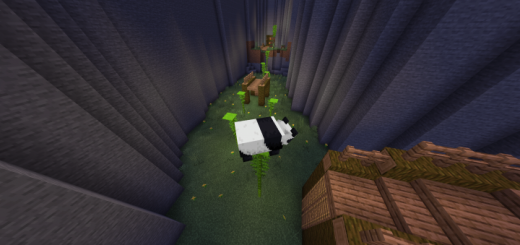
About Morph Parkour
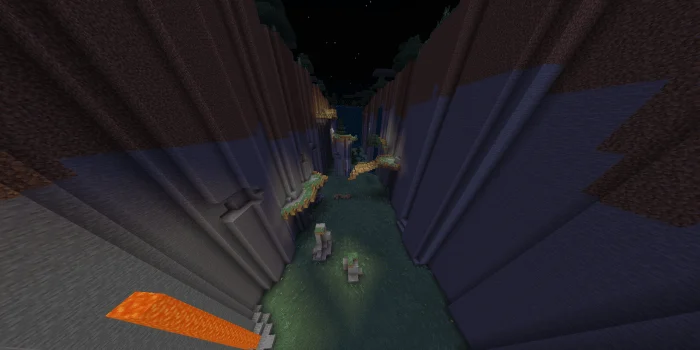
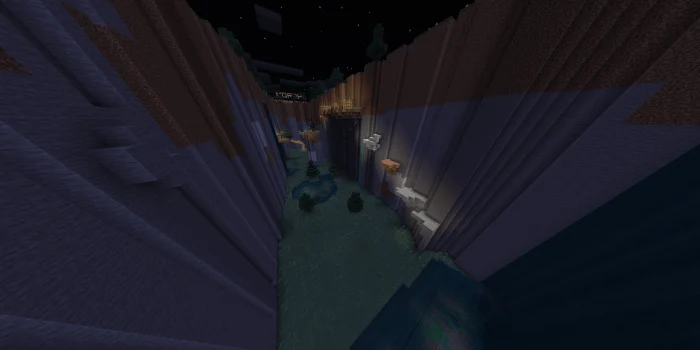
To start playing you will need to talk to the NPC and click on “Start Game”. The map has barriers that prevent the player from going the wrong way. In addition, the right path is illuminated to make it easier to identify. The map is intended to be played in the third person. It is recommended for a better experience. In addition there are certain mobs that are incompatible with the first person as they cover the vision, such as the ravager.
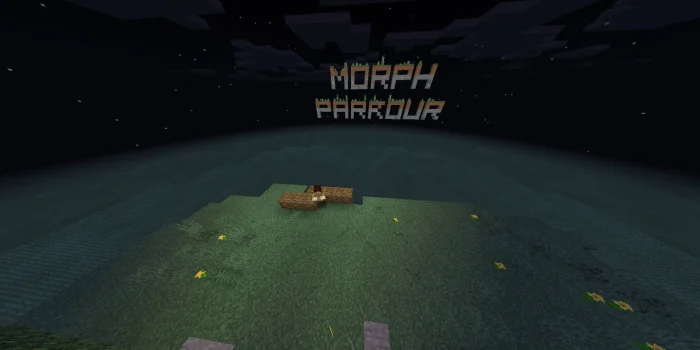
Morph Parkour screenshots
How to install Morph Parkour
- Download the .mcworld file using the button on this page.
- Open the downloaded file with Minecraft Bedrock Edition.
- Wait for Minecraft to confirm that the import has completed.
- Select the imported world from the Minecraft world list.
- Back up important worlds before installing community content.
Download Morph Parkour (1.16) for free
Preparing your download…
If the download did not start automatically, click here.


