
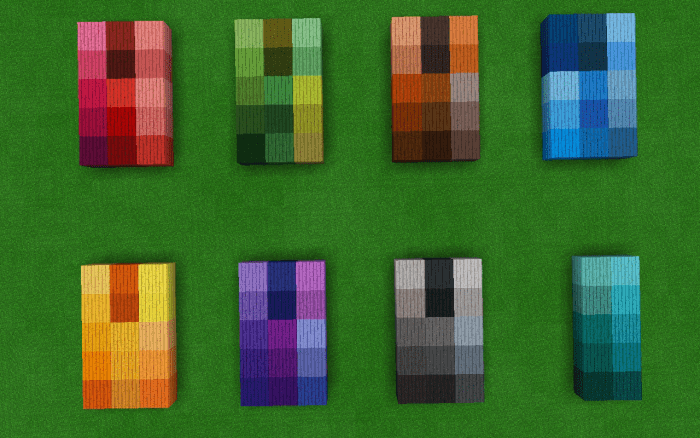
About More Color Planks
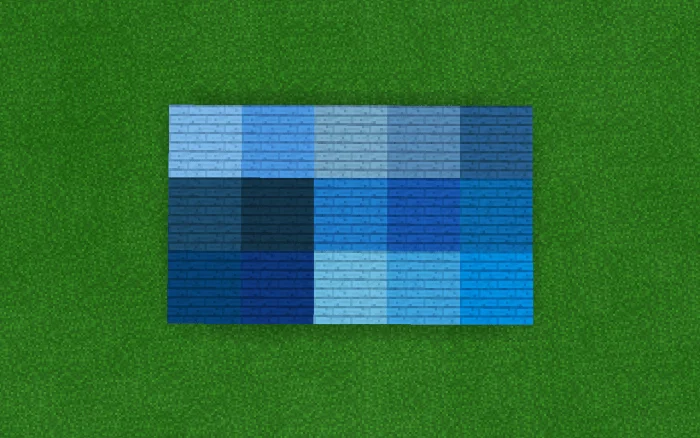
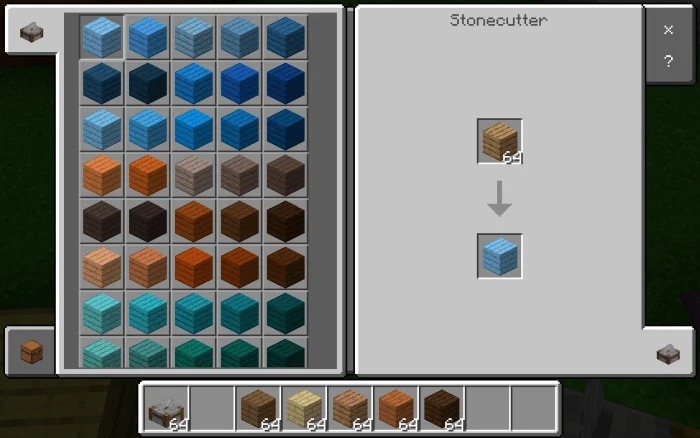
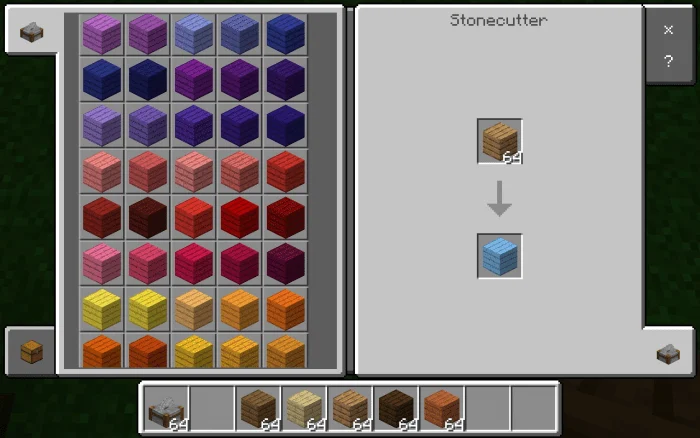
This addon has new colors for the woods. To have these new blocks you only need to use any type of wood in the stone cutter. Once placed, all the colors you see in these images will appear. There are about 90 new colors in woods.
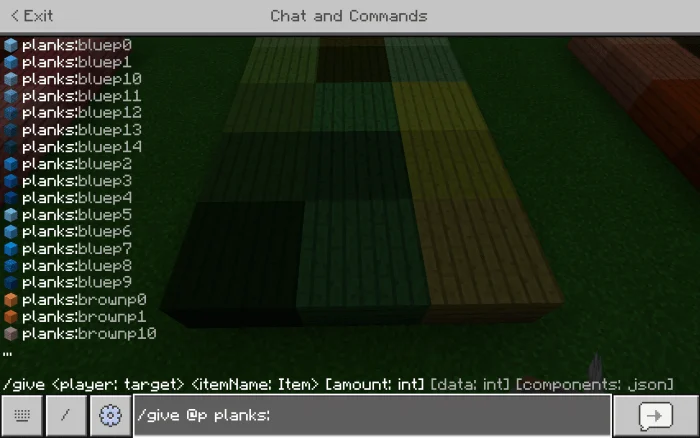
You can also get them using the command / give @a planks: (identifier).
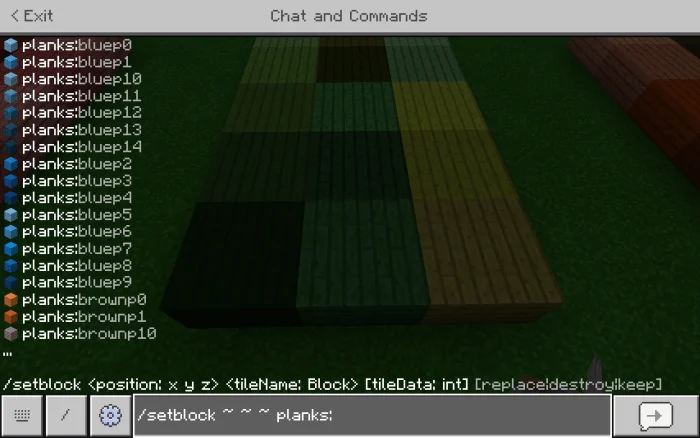
And you can also use it with commands like fill or setblock. Hope you enjoy this addon.
The list of identifiers is as follows
Planks:bluep(0-14) Planks:brownp(0-14) Planks:cyanp(0-9) Planks:grayp(0-14) Planks:greenp(0-14) Planks:purplep(0-14) Planks:redp(0-14) Planks:yellowp(0-14)
More Color Planks screenshots
How to install More Color Planks
- Download the .mcaddon file using the button on this page.
- Open the downloaded file with Minecraft Bedrock Edition.
- Wait for Minecraft to confirm that the import has completed.
- Activate the imported pack in the world settings.
- Back up important worlds before installing community content.
Download More Color Planks (1.16) Decorations for free
Preparing your download…
If the download did not start automatically, click here.


