
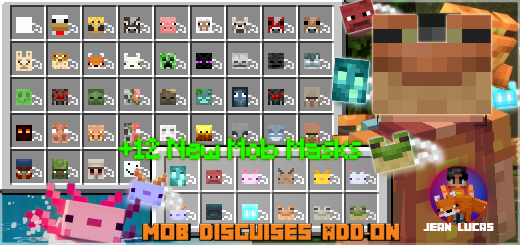
About Mob Disguises
Created By Jean Lucas
- Enable the Holiday Creator Features option in the world Experiments section for this add-on to work!
This add-on gives you the possibility to use dyes and derived materials to get masks of Minecraft mobs!
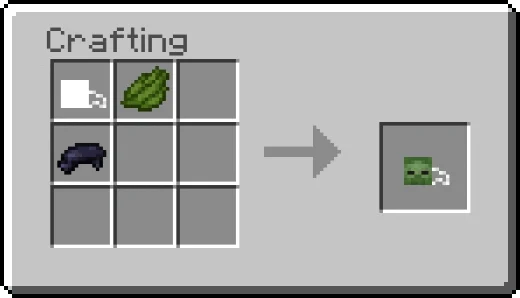
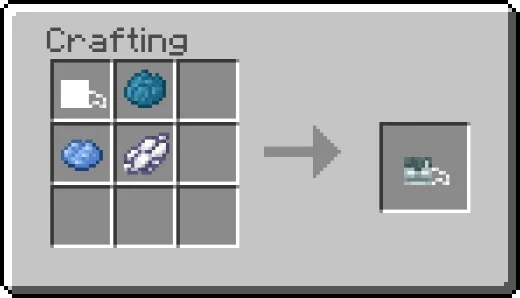
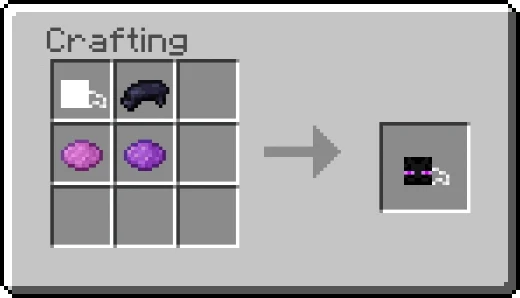
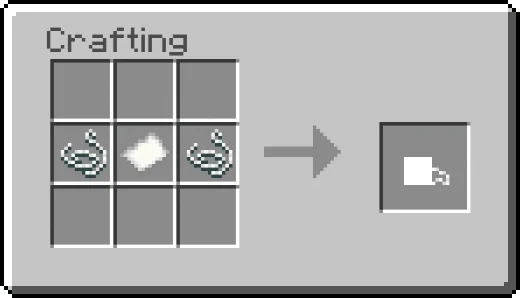
Obtaining To obtain a mob mask, you need to craft an empty mask and then customize your mask to make it the mob mask you want. All the masks are available in the creative inventory equipment category, and it's also available on the recipe book in survival game mode.
To equip any mask, right-click while holding it or just put it on the head slot in your inventory.
Mob Disguises screenshots
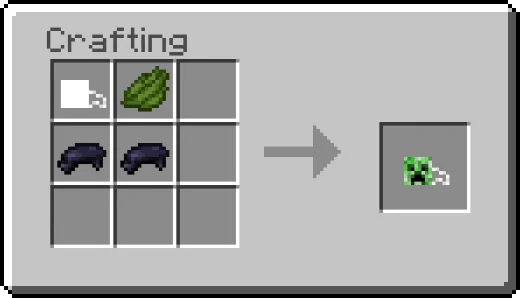
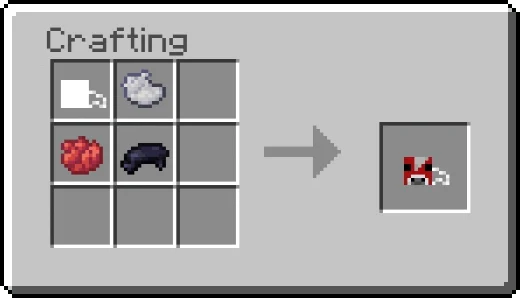
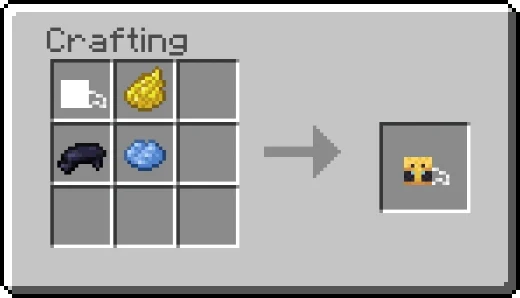
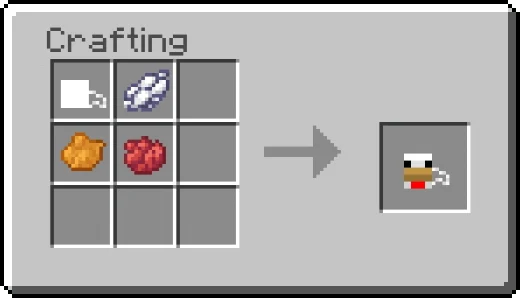
How to install Mob Disguises
- Download the .mcaddon file using the button on this page.
- Open the downloaded file with Minecraft Bedrock Edition.
- Wait for Minecraft to confirm that the import has completed.
- Activate the imported pack in the world settings.
- Back up important worlds before installing community content.
Download Mob Disguises (1.18, 1.19) Gameplay for free
Preparing your download…
If the download did not start automatically, click here.


