
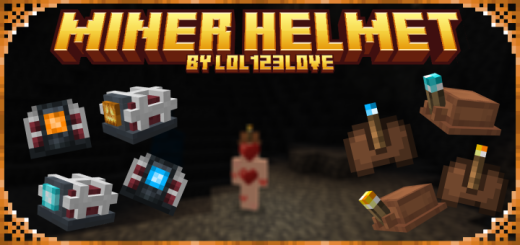
About Miner Helmets
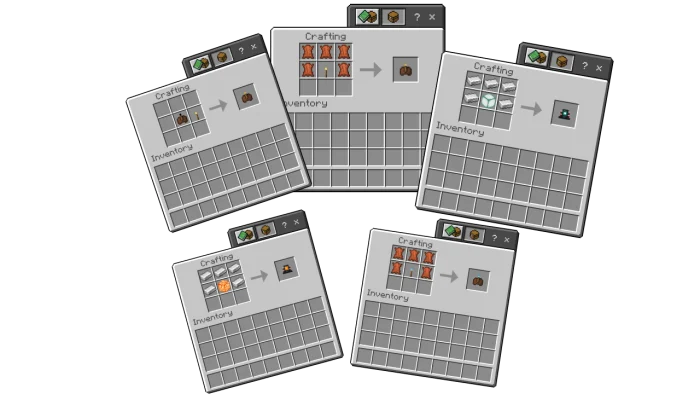
Equip either the durable Iron Miner Helmet or the versatile Leather Miner Helmet, each with its own unique features. Illuminate the darkest corners of caves or navigate through the night effortlessly as these helmets emit a steady light. The Iron Miner Helmet lasts indefinitely, providing a reliable source of light, while the Leather Miner Helmet, although more budget-friendly, requires occasional recharging with torches to keep the exploration going.
As if the choice between leather and iron wasn't enticing enough, delve deeper into the customization possibilities with over nine captivating variants of the Iron Miner Helmet! Each variant boasts its own unique design and characteristics, offering players the opportunity to express their individuality in the blocky landscapes of Minecraft.
Miner Helmets screenshots
How to install Miner Helmets
- Download the .mcaddon file using the button on this page.
- Open the downloaded file with Minecraft Bedrock Edition.
- Wait for Minecraft to confirm that the import has completed.
- Activate the imported pack in the world settings.
- Back up important worlds before installing community content.
Creator: lol123love
Download Miner Helmets (1.20) Tools for free


