
About Minecraft Dungeons (1.16)
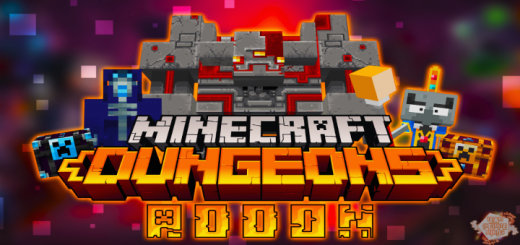
This Add on replicates as best as possible the behaviors, designs and animations of the exclusive entities in Minecraft Dungeons for Minecraft Bedrock.
Redstone Monstrosity
Spawns spawn and attacks like an Iron Golem, spawn chance depends on game difficulty
Enchanter
It appears mostly at night and its objective is to follow Creepers, Zombies, Husks and Spiders to make them stronger against the player, the entity only reveals itself against the player if it is hit by it.
Enchanted Mobs
They do almost exactly the same as ordinary mobs, with the exception that they don’t get burned in sunlight and both their attacks and their lives have twice as much
Wraith
It appears at night, unlike the Minecraft Dungeons Wraith this does not make fire appear in the player since the functions do not go well in these versions. Like the Enderman, it can teleport but at a very low range, it may troll you by reappearing behind your back immediately, it also comes and dies after daylight.
Arch-Illager
Due to the current limits of Minecraft Bedrock, it cannot summon enemies but it is expected to be added this feature in the next update, for now it runs fast and attacks fast as a baby Zombie
Piggy Bank
It is a bulging-eyed pig that has been carrying a chest with emeralds, it appears in a world at dawn and dusk due to its spawning filters with the right light level, it works like an ordinary pig and this one can reproduce with common pigs, this when hit by the player its escape speed is higher than that of a common pig, its chest works as a “passenger * and when killing the pig the chest works like an ordinary chest, with storage slots
How to install Minecraft Dungeons (1.16)
- Download the .mcpack file using the button on this page.
- Open the downloaded file with Minecraft Bedrock Edition.
- Wait for Minecraft to confirm that the import has completed.
- Activate the imported pack in the world settings.
- Back up important worlds before installing community content.
Download Minecraft Dungeons (1.16) Addons for free


