
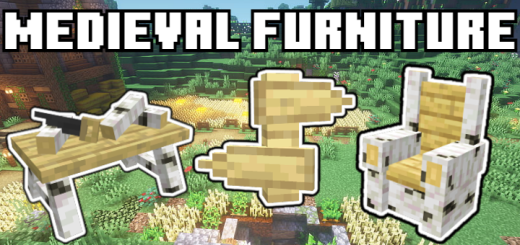
About Medieval Furniture by Trotamundos872
Created By Trotamundos872
- Turn on experimental settings in map settings
Feudal Furniture is the mod you need, in it you will find more than 360 pieces of furniture with a simple and original minecraft style.
Survival: Clay is needed, you have to introduce it in a stonecutter and many variants of boxes will come out, each one has all the versions of a type of wooden furniture, depending on what type of wood you choose from the box, you can create furniture of a type of wood or other.
Creative: There are 2 ways, the main one is by going to the creative menu and looking at the bottom in the decoration section and the other way is with commands, you would have to enter the following in the chat /give @p ff: (select the block or put their name).
Medieval Furniture by Trotamundos872 screenshots


How to install Medieval Furniture by Trotamundos872
- Download the .mcaddon file using the button on this page.
- Open the downloaded file with Minecraft Bedrock Edition.
- Wait for Minecraft to confirm that the import has completed.
- Activate the imported pack in the world settings.
- Back up important worlds before installing community content.
Download Medieval Furniture by Trotamundos872 (1.19, 1.20) Decorations for free


