
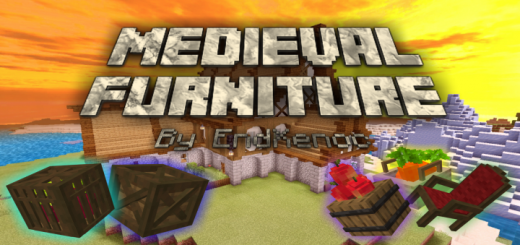
About Medieval furniture
- You must activate the experimental options in the map settings
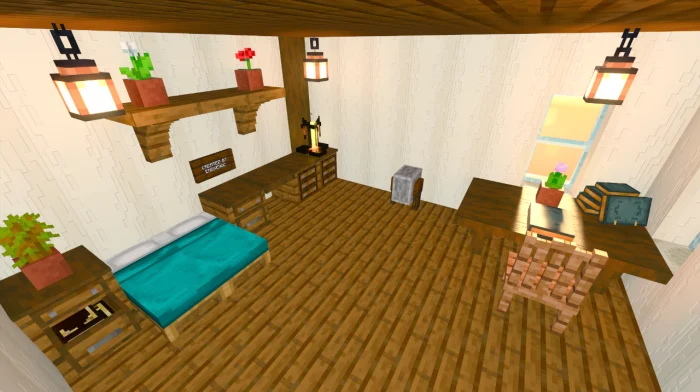
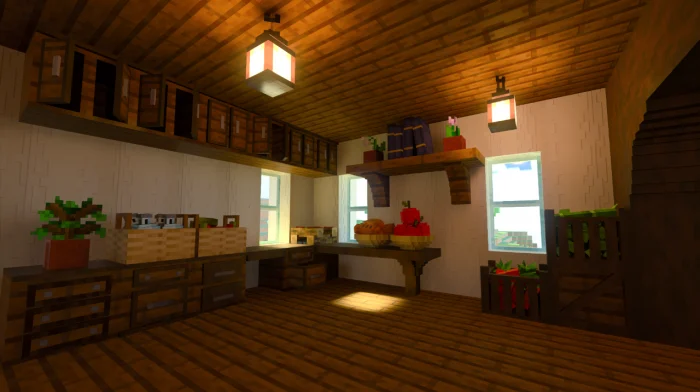
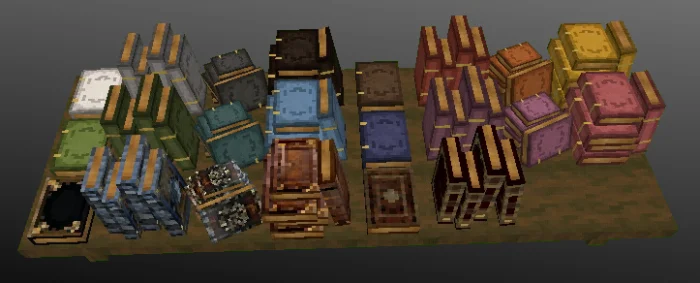
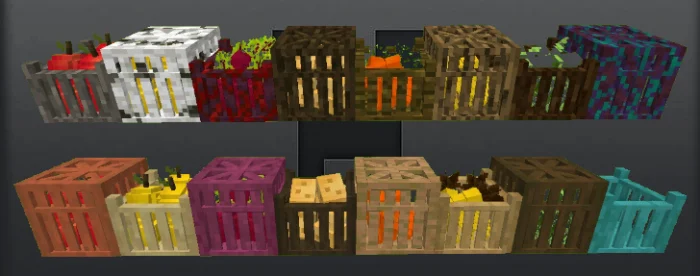
Created By EndXenoc MCPE This addon adds many new blocks with 3D to create epic decorations. All the blocks can be obtained from creative, they have to go to the generation eggs area, the new generation eggs will create shulker boxes which will have the items in their storage.
To get the blocks in creative you have to use the command / function medieval_blocks.
Medieval furniture screenshots
How to install Medieval furniture
- Download the .mcaddon file using the button on this page.
- Open the downloaded file with Minecraft Bedrock Edition.
- Wait for Minecraft to confirm that the import has completed.
- Activate the imported pack in the world settings.
- Back up important worlds before installing community content.
Download Medieval furniture (1.16, 1.17, 1.18) Decorations for free
Preparing your download…
If the download did not start automatically, click here.


