
About MCWig : Anime
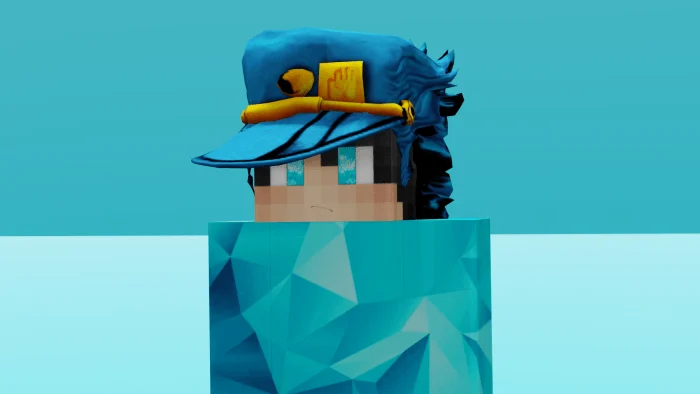
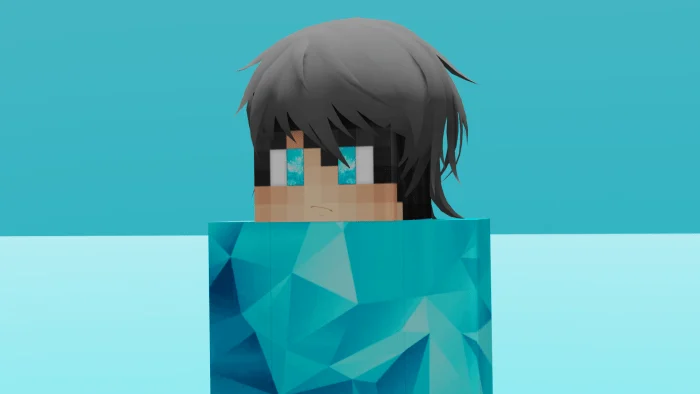
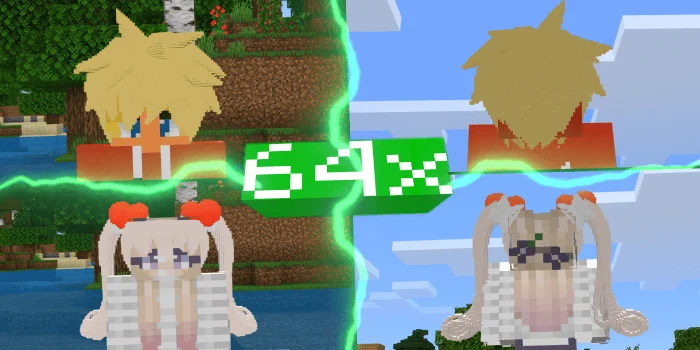
Tired with pixelated hair? Well no more! with this pack, you’ll get more HD and now itsnt cubic model! Grab now to change your minecraft Appearance into more advance!
FAQ
Q : Why the the hair doesnt load when i switch types?
A : Alright, when you encounter this problemo…. make sure you already switch hair types and then just re-open minecraft or alternative way is that to remove the resource pack first from the resource pack section (I mean not to delete it) and apply the resource pack again with other hair types already selected and *BOOM*
BugBatch Update
On this new Update, you can now change the skin easily without using Image editor or whatever. This update also clearing some Known Issues that you faced with. Here’s how you change the skin on this new update! Just choose the skin you want and BOOM!
MCWig : Anime screenshots
How to install MCWig : Anime
- Download the .mcpack file using the button on this page.
- Open the downloaded file with Minecraft Bedrock Edition.
- Wait for Minecraft to confirm that the import has completed.
- Activate the imported pack in the world settings.
- Back up important worlds before installing community content.
Download MCWig : Anime (1.14, 1.16) Decorations for free


