
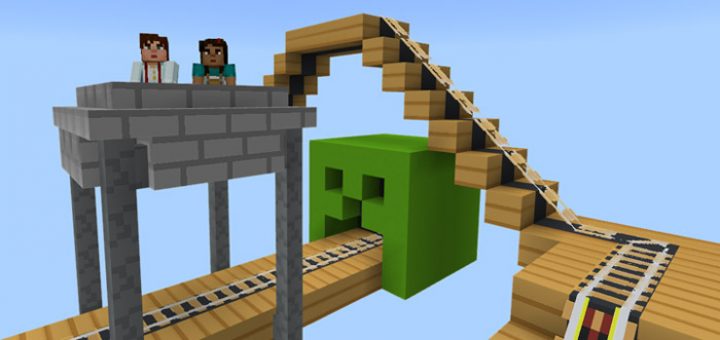
About MCMojang Texture Pack (Unofficial)
This texture pack is greatly inspired by the new website design for Minecraft.net and the launcher for the Java edition. It’s a clean, simplistic and cartoon styled design which work really nicely with the already blocky shape of Minecraft. This texture pack has basically taken some of those ideas and made it into a complete texture pack. It was originally created for the Java (PC) Edition but exists now also as a version for Pocket Edition.
Creator: RobotPantaloons, Twitter Account (original PC version) Ported by: AmazingGamerPH, Twitter Account
This texture pack is not in any way affiliated with Mojang AB / Minecraft. It’s a fan made creation.
How to install MCMojang Texture Pack (Unofficial)
- Download the .mcpack file using the button on this page.
- Open the downloaded file with Minecraft Bedrock Edition.
- Wait for Minecraft to confirm that the import has completed.
- Activate the imported pack in the world settings.
- Back up important worlds before installing community content.
Download MCMojang Texture Pack (Unofficial) 128×128 for free
Preparing your download…
If the download did not start automatically, click here.


