
About MCBE Advancements
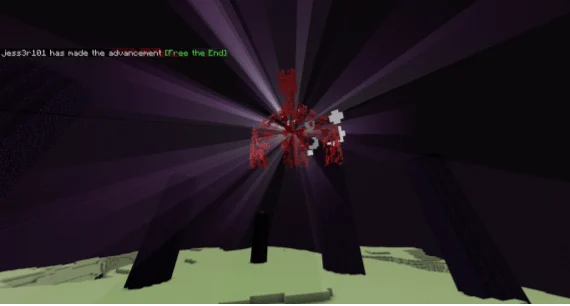
This addon adds over 50 java, bedrock edition, and custom advancements to the game! There is a custom UI, special sound effects whenever an achievement is received, and a toggleable advancements scoreboard, with so much more!
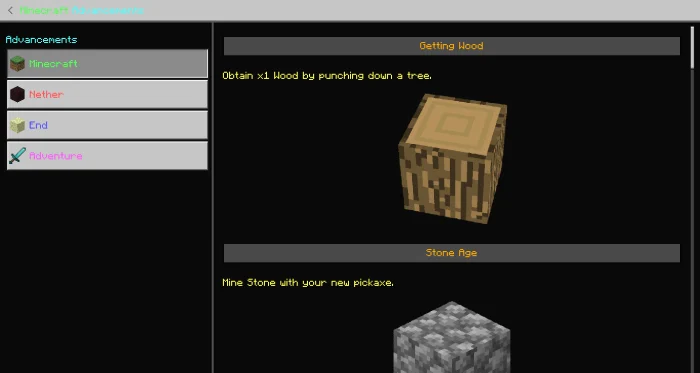
There are x4 Advancement Categories, including Minecraft, Nether, The End and Adventure. Below are a couple of images that show the Custom UI and the four categories.
To access the above UI click the PixelPlay Logo in your inventory.
/function score: to check your score! /function displayon: to turn on Advancement Scoreboard!
MCBE Advancements screenshots

How to install MCBE Advancements
- Download the .mcaddon file using the button on this page.
- Open the downloaded file with Minecraft Bedrock Edition.
- Wait for Minecraft to confirm that the import has completed.
- Activate the imported pack in the world settings.
- Back up important worlds before installing community content.
Download MCBE Advancements (1.16) Gameplay for free
Preparing your download…
If the download did not start automatically, click here.


