
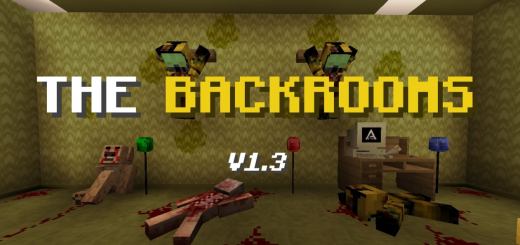
About Lost in the backrooms
Created By Brandon_López
After falling into level 0 of the backrooms you will have to find a way to get out with your life from them, look for the portal key and the secrets before the creatures catch you there will be resources on the way to help you in your escape.
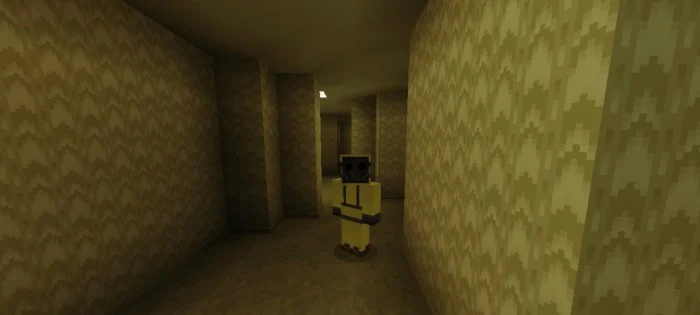
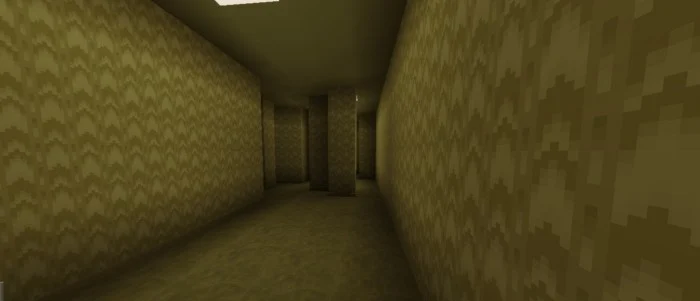
Level 0 – THE LOBBY: Description: moldy carpeting, monochromatic yellow walls and buzzing fluorescent lights. Danger level 2/5. Entities: Bacteria.
After the mysterious and sudden disappearance of your brother you go to the police station to see if they have any clue about him but unknowingly you do no-clip and he appears on level 0 of the Back Room, you don't know where you are, your only mission is to find a way to escape…
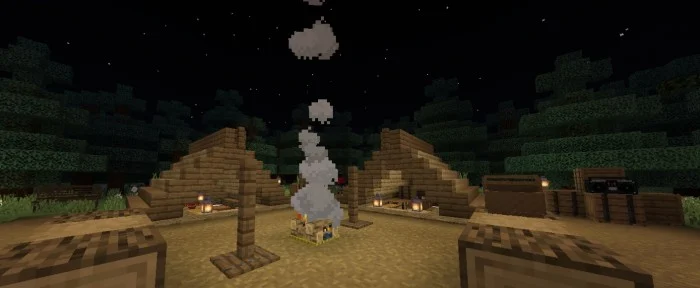
Lost in the backrooms screenshots
How to install Lost in the backrooms
- Download the .mcworld file using the button on this page.
- Open the downloaded file with Minecraft Bedrock Edition.
- Wait for Minecraft to confirm that the import has completed.
- Select the imported world from the Minecraft world list.
- Back up important worlds before installing community content.
Download Lost in the backrooms (1.19) Survival for free


