
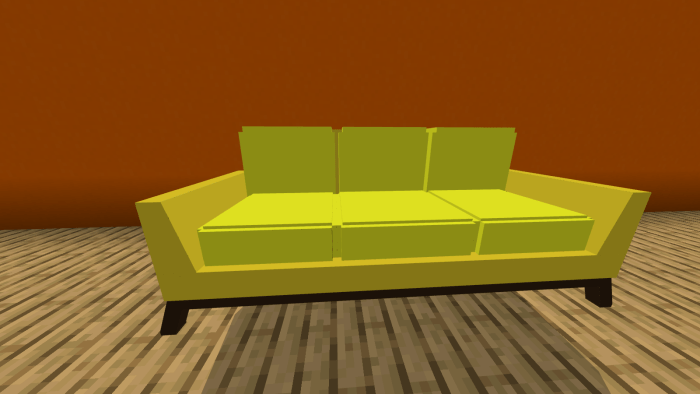
About Living Room
This add-on consists of 12 pieces of furniture. How to obtain pieces? Search for the items in creative and inventory and it’ll show up!
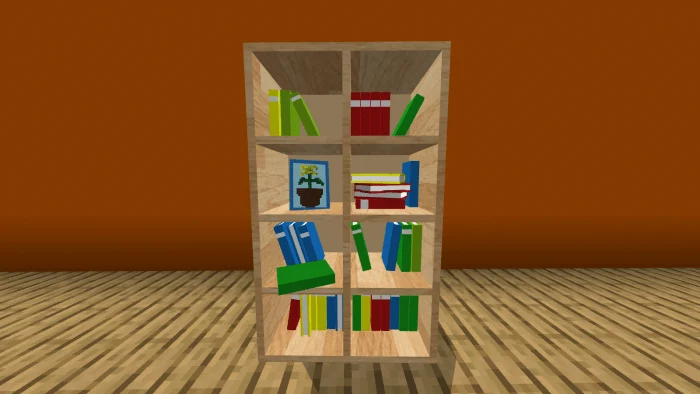
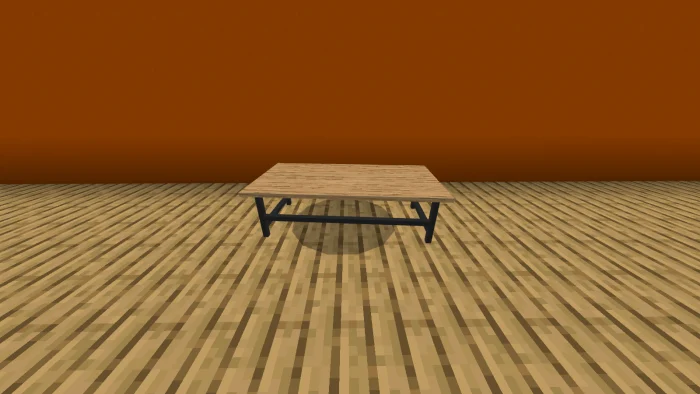
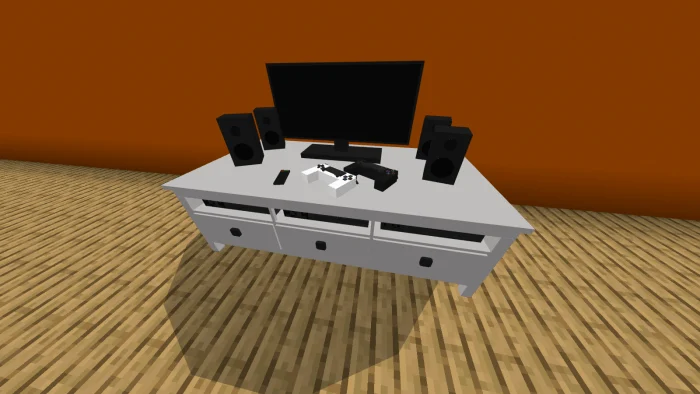
Office Chair (Gray) Office Chair (Blue) PC Desk Couch (Yellow) Couch (Blue) Couch (Red) Couch (Gray) TV Desk with it’s TV A Small Round Table Floor Lamp Coffee Table Bookshelf
Living Room screenshots
How to install Living Room
- Download the .mcaddon file using the button on this page.
- Open the downloaded file with Minecraft Bedrock Edition.
- Wait for Minecraft to confirm that the import has completed.
- Activate the imported pack in the world settings.
- Back up important worlds before installing community content.
Download Living Room (1.16) Decorations for free
Preparing your download…
If the download did not start automatically, click here.


