
About LAT (Less Annoying Textures)
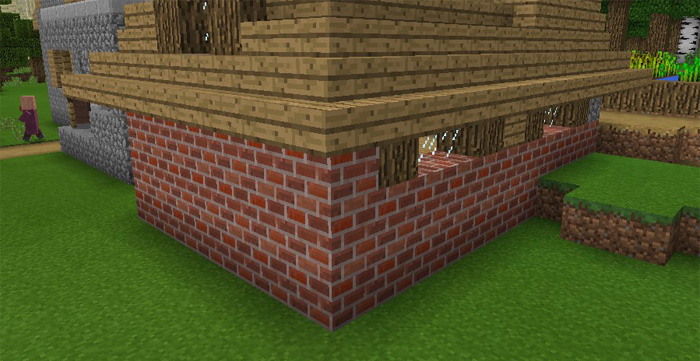
This texture pack replaces some of the textures which by default according to some people (myself included) look too pixelated and thus sometimes annoying. The sun, moon, glass and glowstone are some of the things which I truly think look at least five times better if you use this pack. But it’s all just a matter of taste so I can only base this on my own ideas.
How to install LAT (Less Annoying Textures)
- Download the .mcpack file using the button on this page.
- Open the downloaded file with Minecraft Bedrock Edition.
- Wait for Minecraft to confirm that the import has completed.
- Activate the imported pack in the world settings.
- Back up important worlds before installing community content.
Download LAT (Less Annoying Textures) 16×16 for free
Preparing your download…
If the download did not start automatically, click here.


