
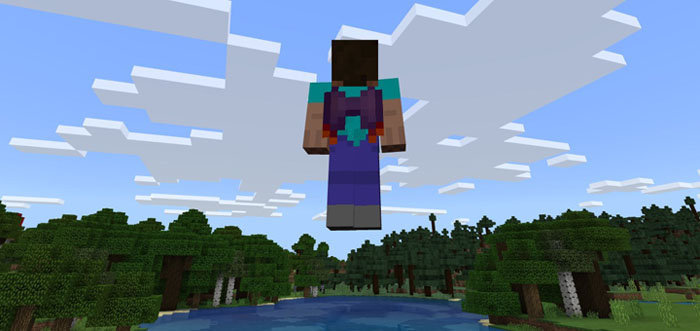
About Jetpack
This add-on replaces one of the existing armor items in-game with a brand new jetpack! The jetpack is a smart wearable which you can use to boost yourself up into the sky. You control it by activate sneaking, so it’s very easy to start using while you’re playing the game.
Creator: solvedDev Updated: 24 May, 2018 (Pocket Controls!)
How does it work? It’s the chain chestplate which has been replaced by the jetpack. To obtain it you can craft it (by using the chain chestplate recipe), find it in the creative inventory or by killing zombies or skeletons which sometimes wear a jetpack.
Equip the jetpack and then press sneak to start using it. Press sneak to start flying. Disabling sneak will make you start going down.
Pocket Controls: Since it’s very difficult to sneak in quick succession on Pocket Devices, there’s a new control type. Wear a jetpack and hold a stick to activate levitation. Once you switch to a different slot, levitation runs out.
How to install Jetpack
- Download the .mcpack file using the button on this page.
- Open the downloaded file with Minecraft Bedrock Edition.
- Wait for Minecraft to confirm that the import has completed.
- Activate the imported pack in the world settings.
- Back up important worlds before installing community content.
Download Jetpack Transport for free


