
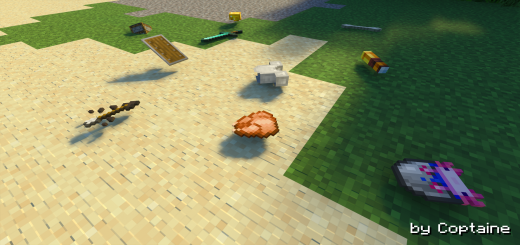
About Item Physics
Created By Coptaine
How to use
Turn on Experimental Features Turn on Mob Griefing and Mob Loot Click the item to pick up or crouch to pick up all items nearby Add name (any name) to the item to prevent it from despawning after 5 minutes so you can use it as a display. It also prevents them to be pickable when sneaking
This addon adds 3D physics to the items in game. If you want to have a more realistic vibes and experience something new, then give this a try. You will surely have fun using this!
Behaviors
Items are pushable Items despawn after 5 minutes Items don't lay flat on the ground when a player or a fox is within 1.25 blocks, or an allay within 4.25 blocks Netherite physics (Old presentation but same behavior)
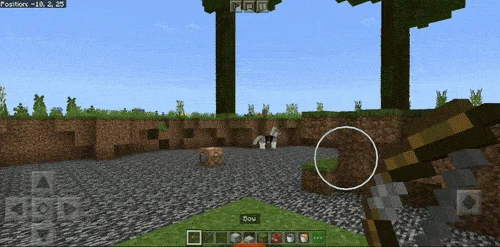
Item Physics screenshots
How to install Item Physics
- Download the .mcaddon file using the button on this page.
- Open the downloaded file with Minecraft Bedrock Edition.
- Wait for Minecraft to confirm that the import has completed.
- Activate the imported pack in the world settings.
- Back up important worlds before installing community content.
Download Item Physics (1.18, 1.19) Gameplay for free


