
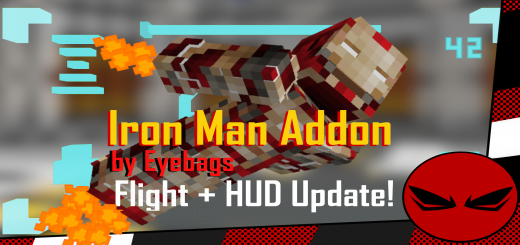
About Iron man Addon
Created by By Eyebags
- Make sure to activate "Experimental Gameplay" option, "Activate Cheats" and "EDUCATION EDITION"
- Type "/function 42" in the game to start.
- After that you should have these two items. A "Mark 42" spawn item and a "Suit Activator" item.
- Use the "Mark 42" item to place the suit down.
Use the "Suit Activator" item to make the suit pieces combine and after that you'll be given this item. "Suit Auto Mode" item.
"Auto Mode" makes the suit follow you around, fight for you and defend you. If you want to wear the armor. Unequip "Suit Auto Mode" and long press on the suit.
After you long press on the suit without holding anything, you should be given this "Call Suit" item which if you hold and long press, will make the suit pieces fly and attach to your body.
After the pieces have attached, you have this "Remove Suit" option if you want to remove the suit.
After you use the "Remove Suit" item, you can choose if you want "Auto Mode" or "Call Suit" again.
Iron man Addon screenshots


How to install Iron man Addon
- Download the .mcaddon file using the button on this page.
- Open the downloaded file with Minecraft Bedrock Edition.
- Wait for Minecraft to confirm that the import has completed.
- Activate the imported pack in the world settings.
- Back up important worlds before installing community content.
Download Iron man Addon (1.20) Superheroes for free


