
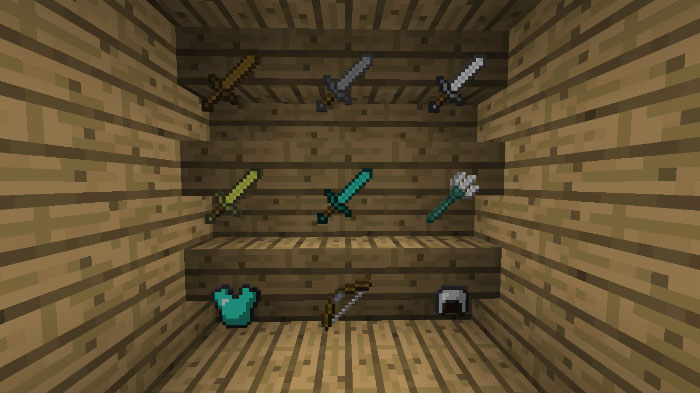
About Invisible Item Frames
This is a very simple but useful texture pack that will make all Item Frames in your Minecraft world invisible. This is good if you want to put your items or blocks on display or store them in a very nice looking way. Just be careful you don’t accidentally place an Item Frame and forget where it is!
Creator: JEBR_Gaming How does it work? Most Minecraft blocks can not be invisible just by retexturing them, but this texture pack changes the model of the Item Frame block to be invisible.
How to install Invisible Item Frames
- Download the .mcpack file using the button on this page.
- Open the downloaded file with Minecraft Bedrock Edition.
- Wait for Minecraft to confirm that the import has completed.
- Activate the imported pack in the world settings.
- Back up important worlds before installing community content.
Download Invisible Item Frames Textures for free
Preparing your download…
If the download did not start automatically, click here.


